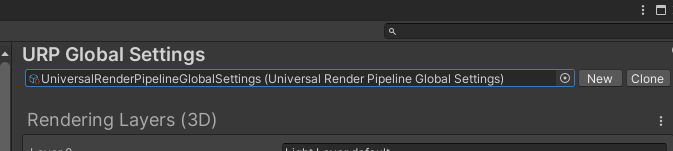
처음 만들떄 Universal로 만들어서 셋팅 되어있다
이거 셋팅 되어있어야한다.
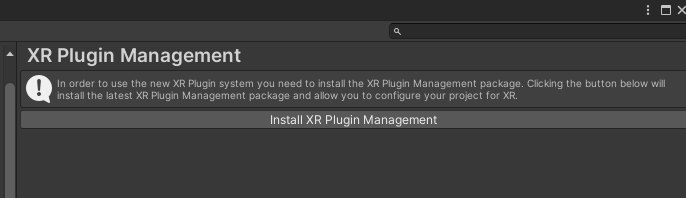
설치
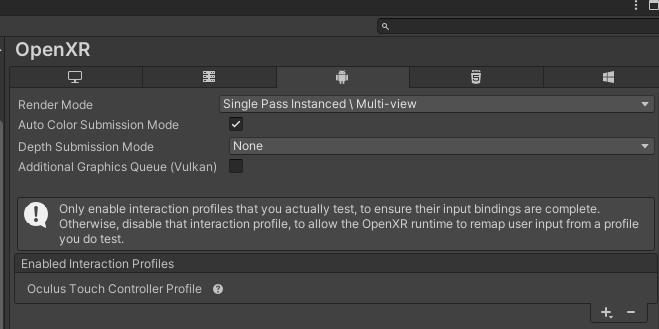
추가
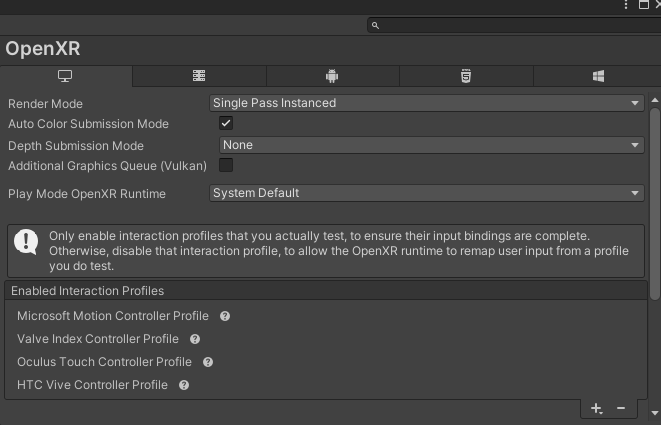
pc쪽엔 이렇게 추가
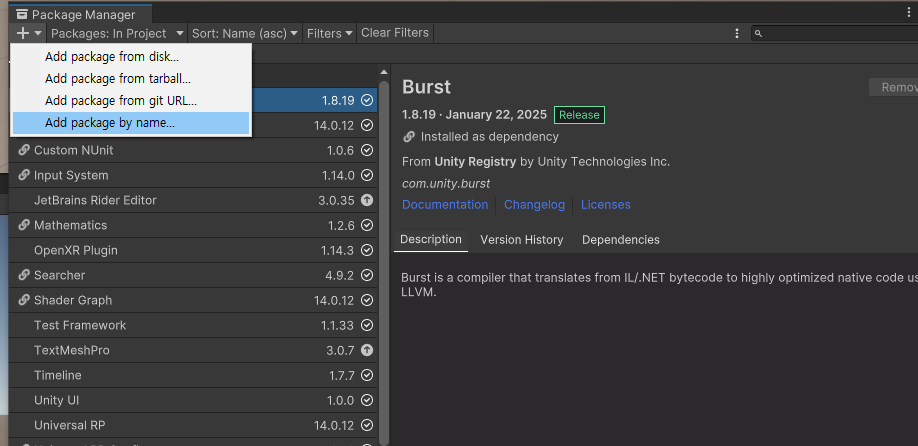
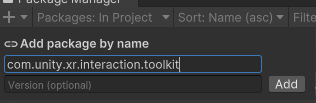
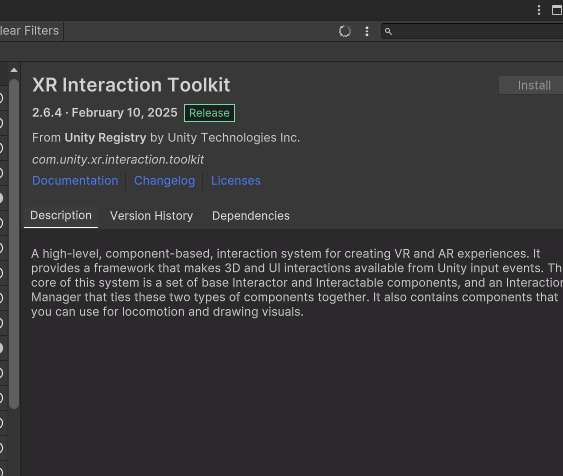
패키지 이름으로 추가
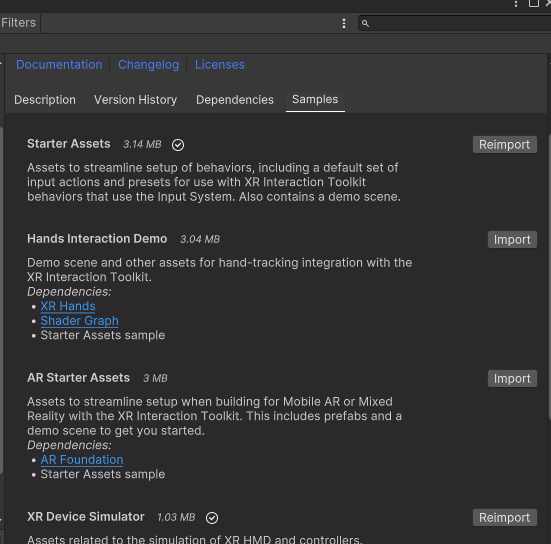
samples쪽에서 저렇게 2개 추가 설치
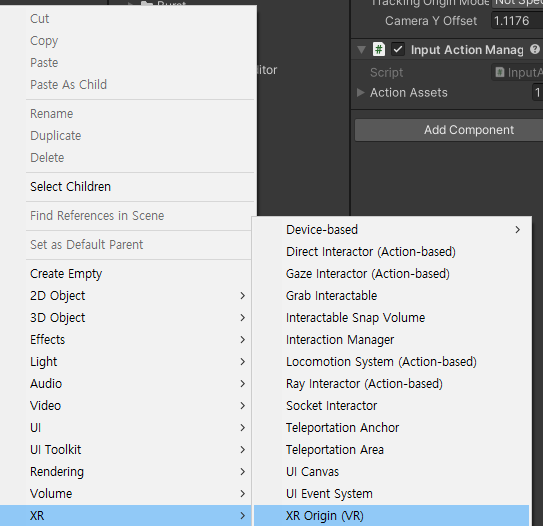
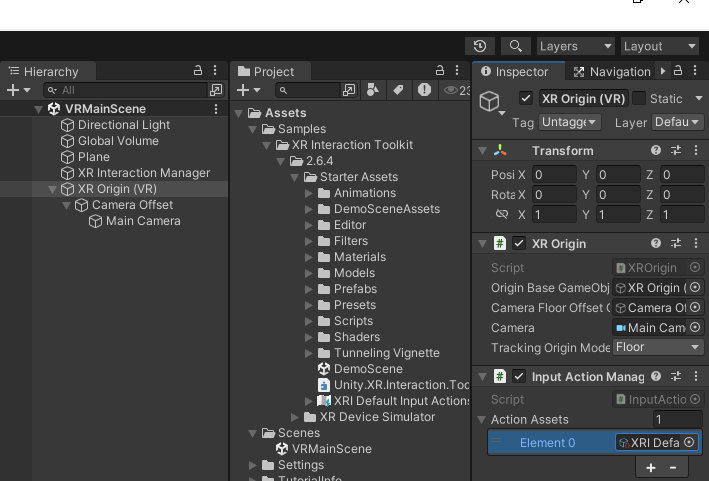
InputAction이 자동으로 들어가있다

이 2개는 원래 자동으로 생성됐었지만, 연습을 위해 지우고 다시 만든다
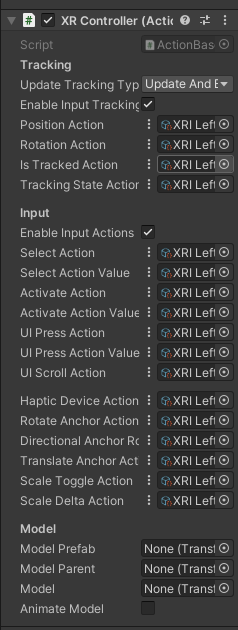
왼쪽 오른쪽 둘다 XR Controller 부착

선 2개 있는 저거 누르면
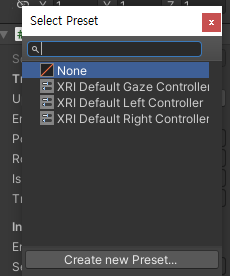
이런게 나오는데, 왼쪽은 left, 오른쪽은 right로 설정
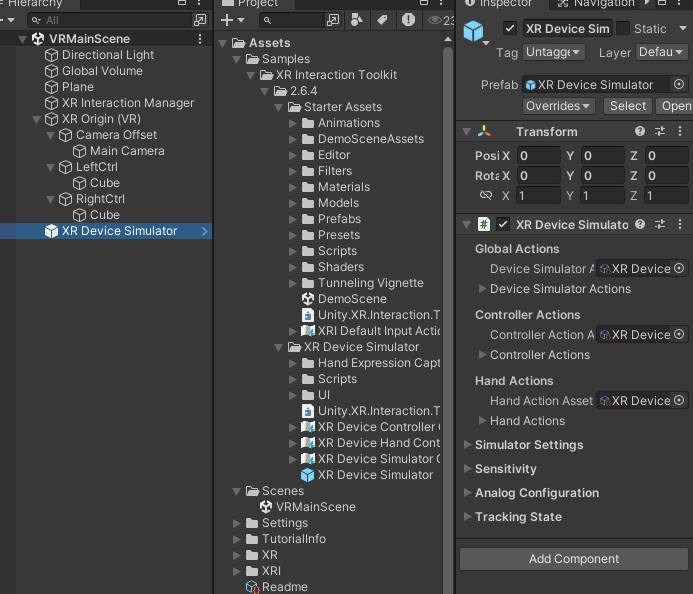
저거 프리팹 넣으면 키보드로 작동테스트를 할 수 있다
y를 눌러 토글식으로 작동한다
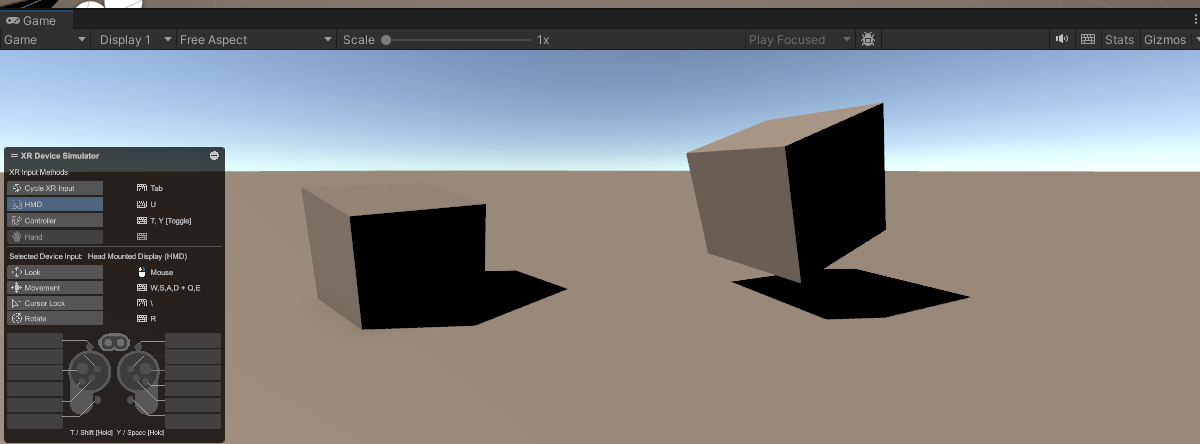
스페이스바 누르고 움직이면 오른쪽 움직이고,
왼쪽 시프트 누르면 왼쪽 움직인다.
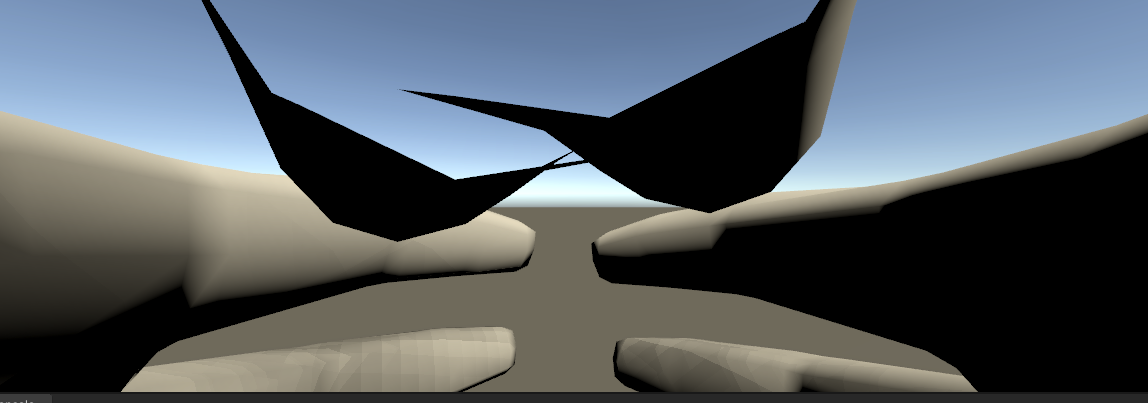
손 셋팅
using System.Collections;
using System.Collections.Generic;
using UnityEngine;
using UnityEngine.InputSystem;

public class AnimateHandOnInput : MonoBehaviour
{
    public InputActionProperty pinchAnimationAction;

    void Start()
    {

    }


    void Update()
    {

    }
}
코드 이렇게 써놓고
손에다 넣고
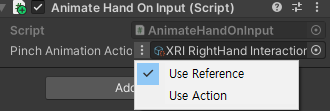
Use Reference로 바꾸고
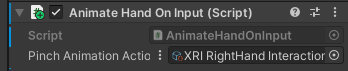
XRI RightHand interaction Activate Value 를 넣는다
왼손은 left
using System.Collections;
using System.Collections.Generic;
using UnityEngine;
using UnityEngine.InputSystem;

public class AnimateHandOnInput : MonoBehaviour
{
    public InputActionProperty pinchAnimationAction;
    public InputActionProperty gripAnimationAction;
    public Animator handAnim;

    void Start()
    {
        this.handAnim = GetComponent<Animator>();
    }


    void Update()
    {
        var triggerValue = pinchAnimationAction.action.ReadValue<float>();
        var gripValue = gripAnimationAction.action.ReadValue<float>();
        this.handAnim.SetFloat("Trigger", triggerValue);
        this.handAnim.SetFloat("Grip", gripValue);
    }
}
값을 받아서, 해당 값으로 애니메이션을 설정한다
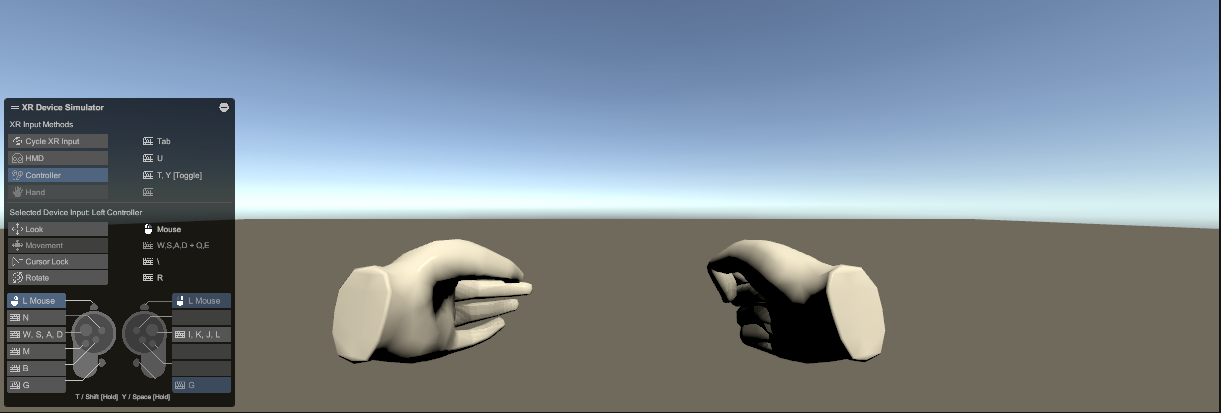
양손이 잘 움직임
________________________________________________________
이동 만들기
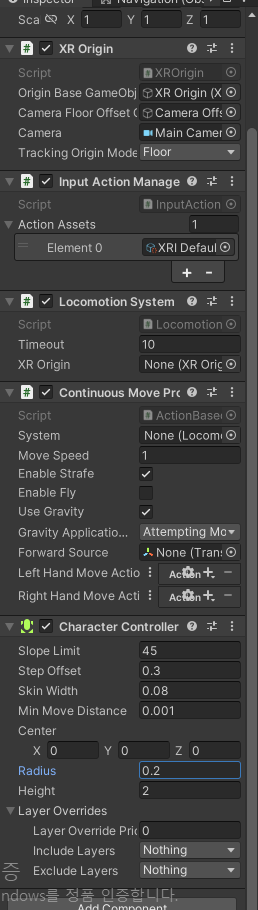
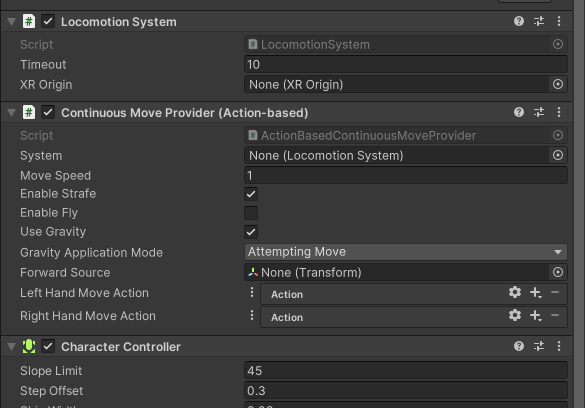
XR origin쪽에
locomotion, continuous Move Provider, Character Controller 부착
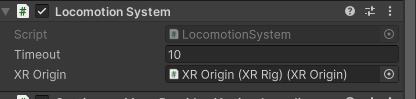
XR Origin에 자기자신 부착
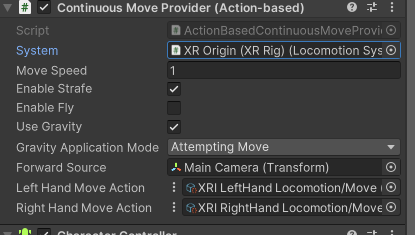
System에 자기자신 부착
forward Source에 메인 카메라 부착
Locomotion/Move 각각 부착
플레이하면 움직인다
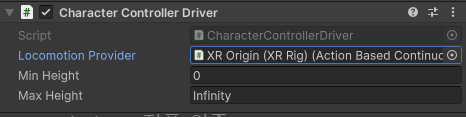
이거 붙이면 움직임을 동기화 해준다
캐릭터 회전
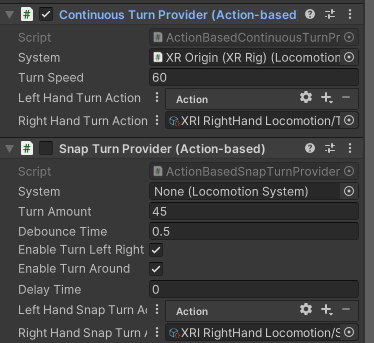
저거 둘다 회전하는 애들이다
부드러운 회전
딱딱하게 45도씩 회전 하는 애
부착하는건 Locomotion/turn
Locomotion/SnapTurn