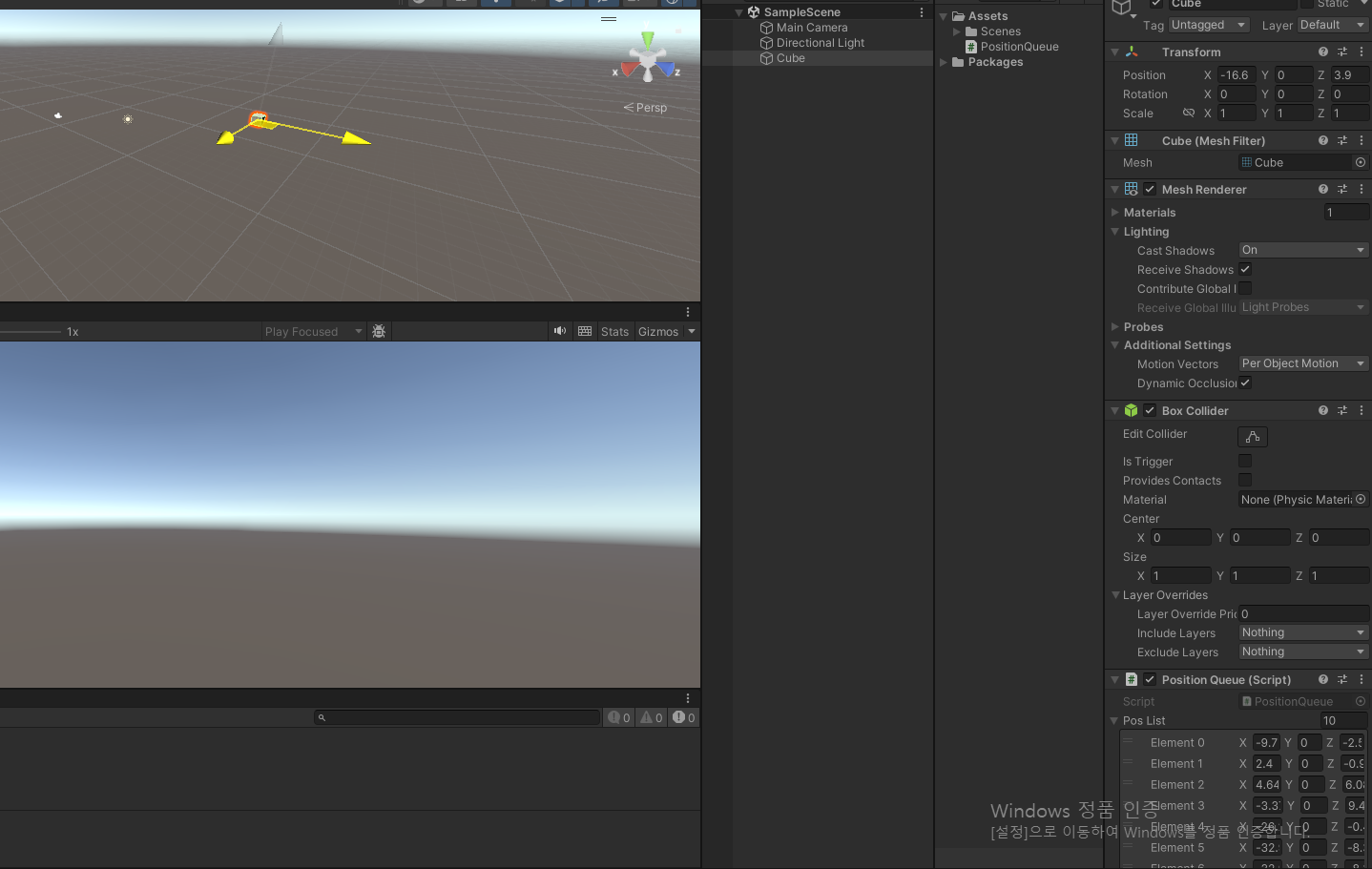
public class PositionQueue : MonoBehaviour
{
    public Queue<Vector3> posQueue;
    public List<Vector3> posList = new List<Vector3>();
    void Start()
    {
        this.posQueue = new Queue<Vector3>();
        StartCoroutine(CheckPos());
    }
    WaitForSeconds wsForCheckPos = new WaitForSeconds(0.1f);
    IEnumerator CheckPos()
    {
        while (true)
        {
            yield return wsForCheckPos;
            this.posQueue.Enqueue(this.transform.position);
            this.posList.Add(this.transform.position);
            if (this.posQueue.Count > 10)
            {
                this.posQueue.Dequeue();
            }
            if (this.posList.Count > 10)
            {
                this.posList.RemoveAt(0);
            }
        }
    }
}
원래는 Queue를 이용하려 한거였는데 Queue는 인스펙터창에서 안보이고
Queue.cs에 직접 들어가서 위에 [System.serializable] 쳐도 안먹히길래 그냥 List로 하는 버전까지 만들었다
0.1초 간격으로 좌표값을 10개까지 저장하는 구조를 만들었고, 이를 이용하면 1초전의 위치와 현재 위치를 비교해서 지금 속도가 어느정도 인지 확인할 수 있다.
    IEnumerator CheckPos()
    {
        while (true)
        {
            yield return wsForCheckPos;
            if (this.posList.Count > 1)
            {
                this.posList.RemoveAt(0);
            }
            this.posList.Add(this.transform.position);

        }
    }
    private void OnTriggerEnter(Collider other)
    {
        Debug.Log($"현재 속도 : {10 * Vector3.Distance(this.transform.position, this.posList[0])}m/s" +
            $"{this.posList[0]} , {this.transform.position}");
    }
몇번 해본결과 꼭 10개를 보관할 필요는 없을거같고,
0.1초 전거와 비교해서 10배 해주면 될거같다
____________________________________________________
빠져나오는 속도(시간) 체크
using System.Collections;
using System.Collections.Generic;
using UnityEngine;

public class ExitTimeTest : MonoBehaviour
{
    bool isInside = false;
    float time = 0f;
    private void OnTriggerEnter(Collider other)
    {
        isInside = true;
        StartCoroutine(TimeCheck());
    }
    IEnumerator TimeCheck()
    {
        while (isInside)
        {
            yield return null;
            time += Time.deltaTime;

        }
    }
    private void OnTriggerExit(Collider other)
    {
        Debug.Log($"나오는 시간 : {time}");
        this.isInside = false;
        this.time = 0;
    }
}
진입과 동시에 타이머 시작, Exit에서 시간 체크

작동 확인