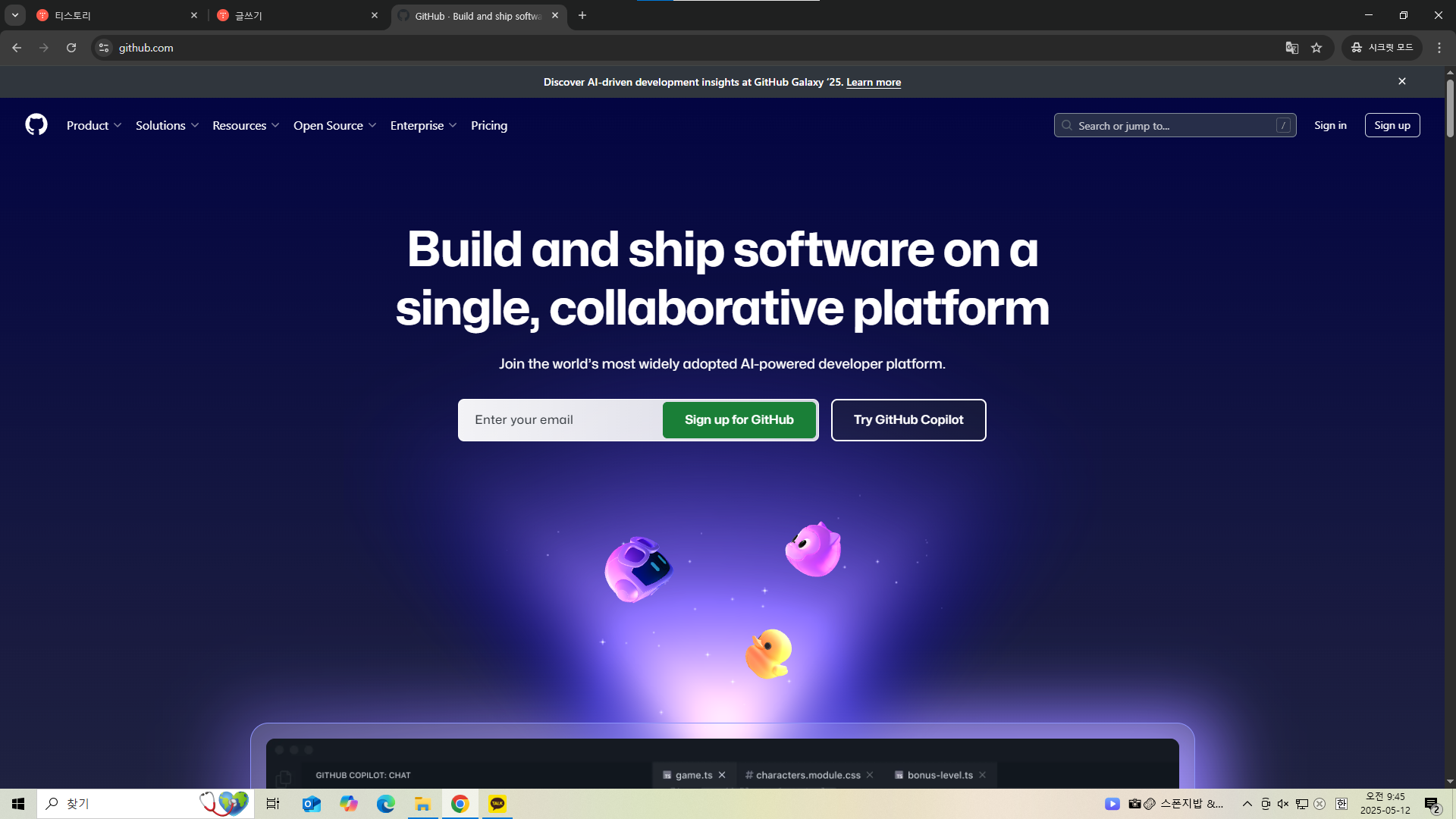
tortoise 썼던것처럼 동시에 작업 가능
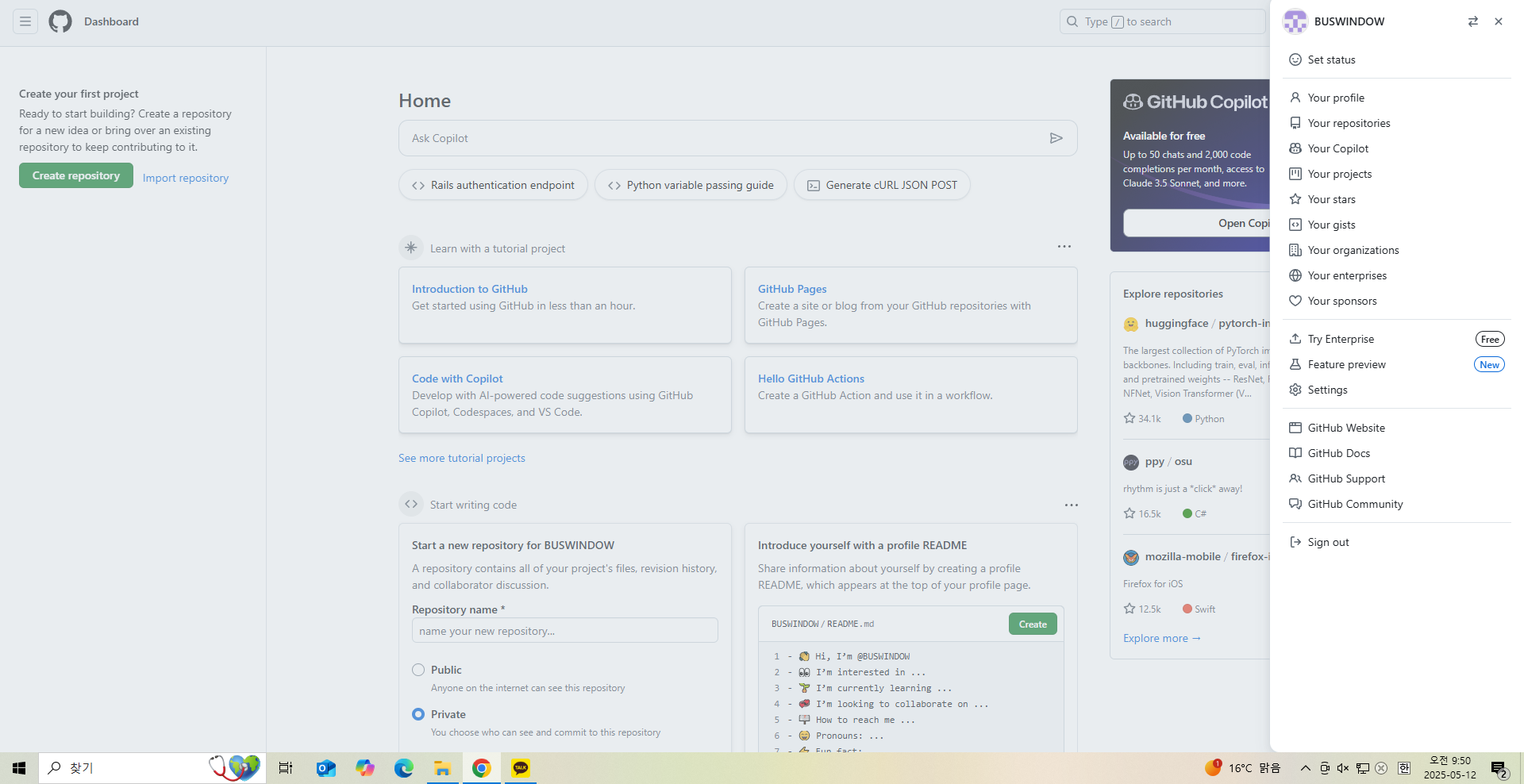
가입완료
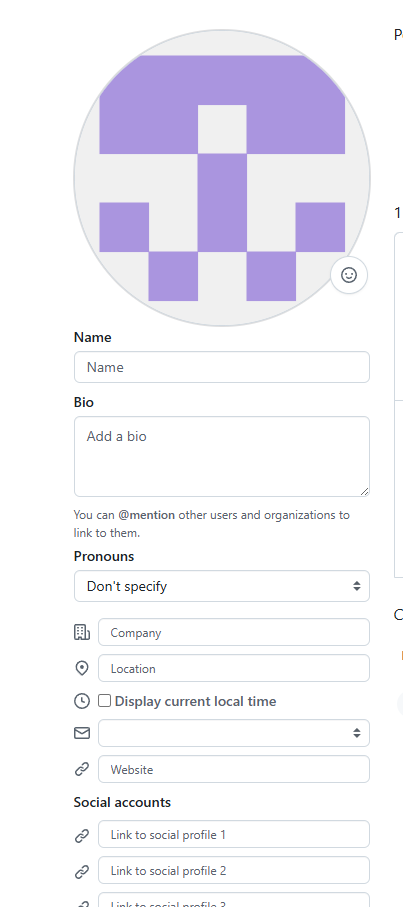
뭐 바꿀수있음
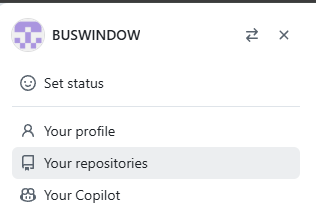
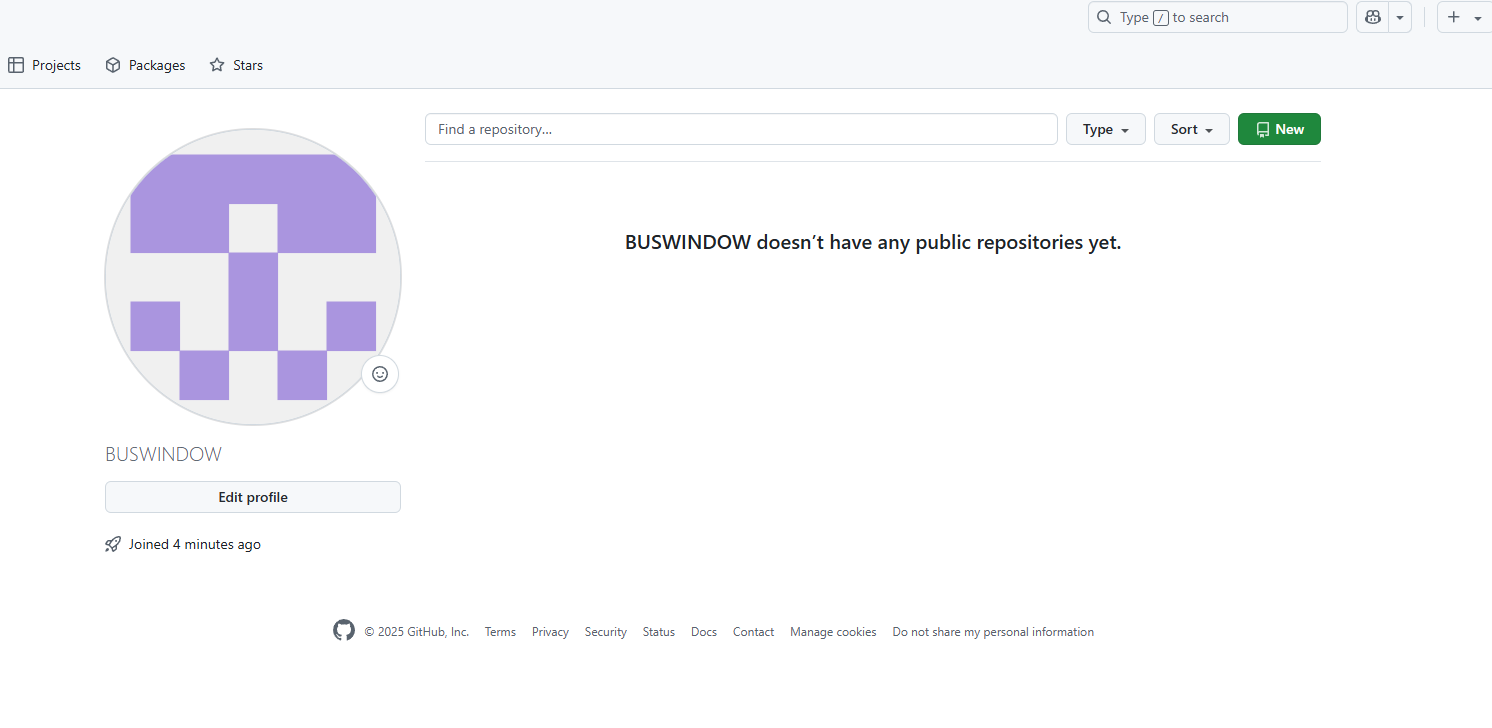
저장소
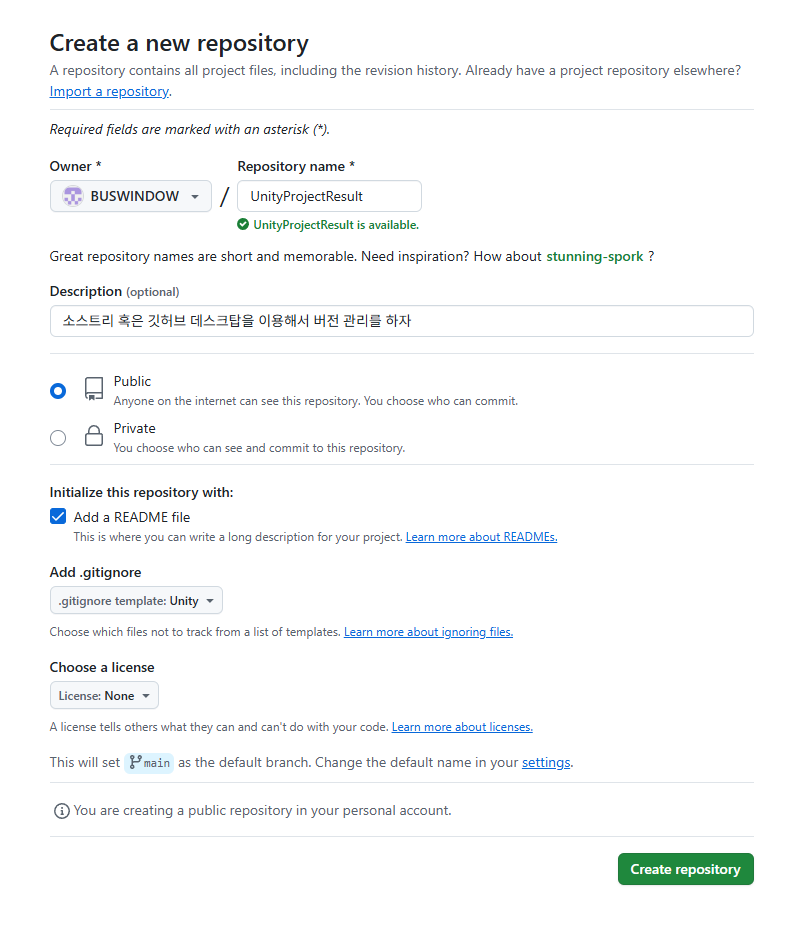
이렇게 만듬
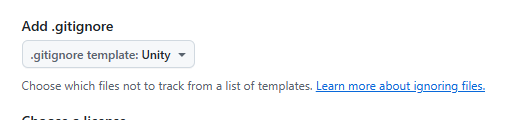
중복된건 무시한다? 같은 뜻?
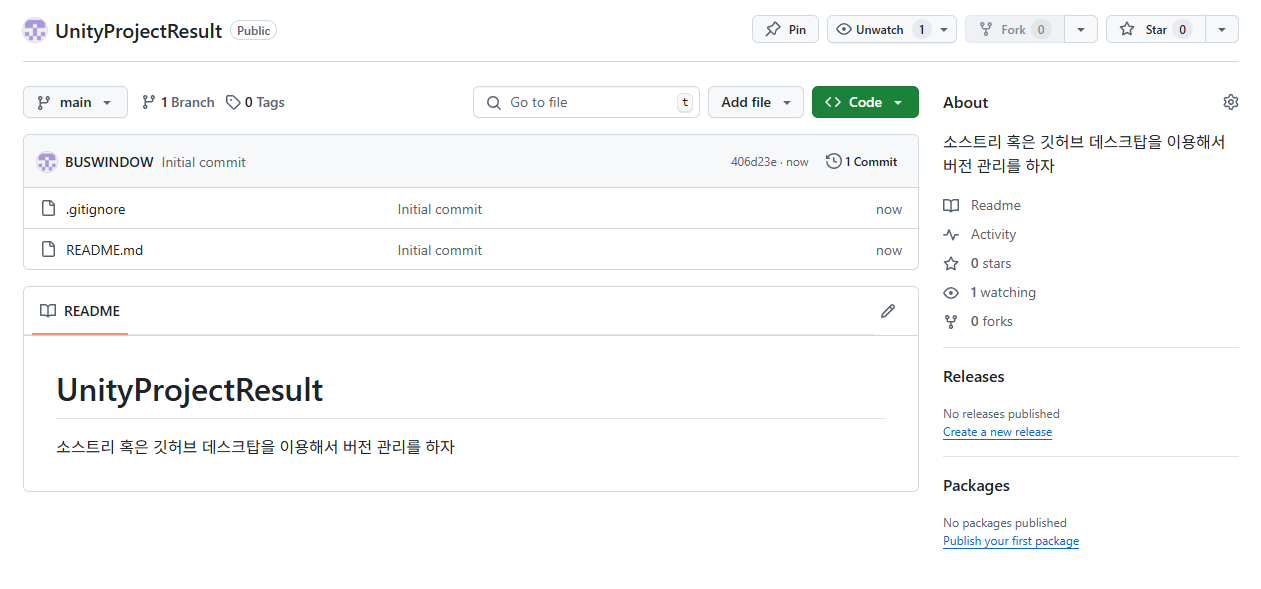
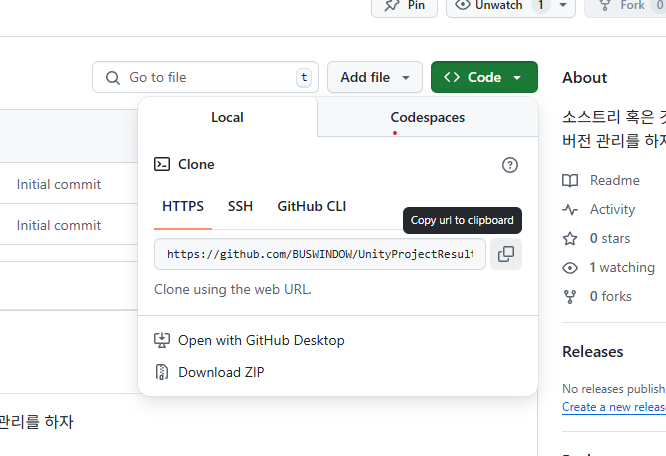
https://github.com/BUSWINDOW/UnityProjectResult.git
GitHub - BUSWINDOW/UnityProjectResult: 소스트리 혹은 깃허브 데스크탑을 이용해서 버전 관리를 하자
소스트리 혹은 깃허브 데스크탑을 이용해서 버전 관리를 하자. Contribute to BUSWINDOW/UnityProjectResult development by creating an account on GitHub.
github.com
작업물을 관리하는데에 GUI(그래픽) 혹은 CUI(콘솔창)가 쓰인다
GUI : 소스트리 혹은 깃허브 데스크톱 메뉴를 누르는 방식
CUI : 명령문을 쓰는 방식
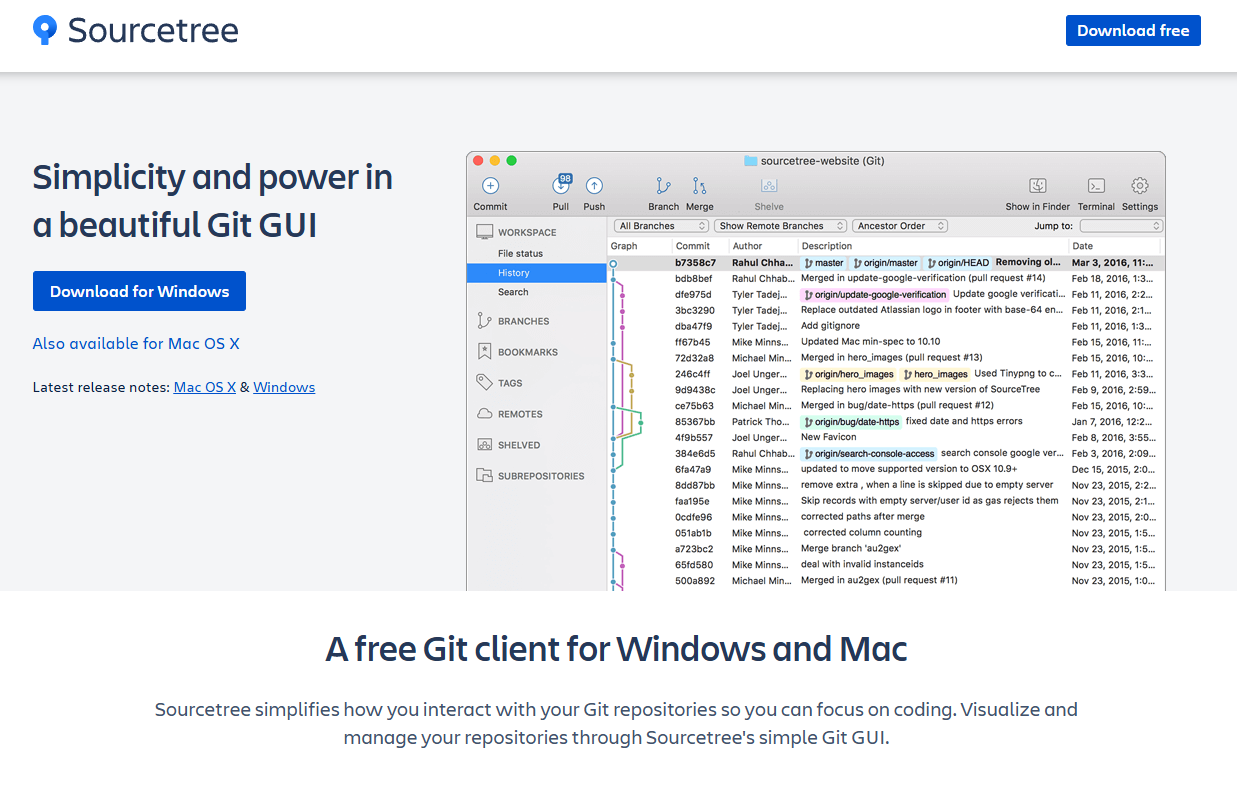
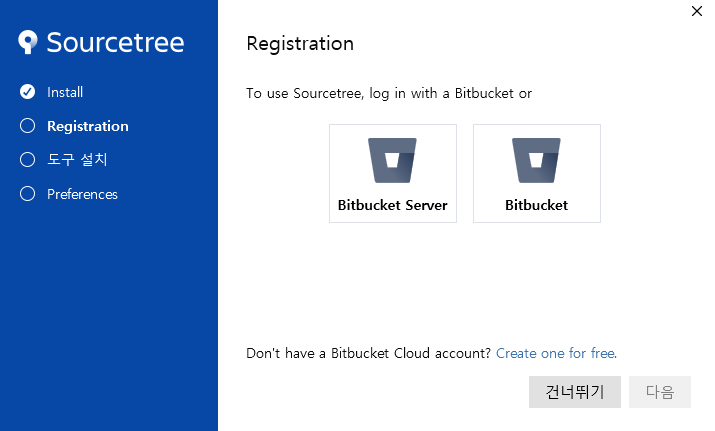
건너뛰기하고 쭉쭉 설치
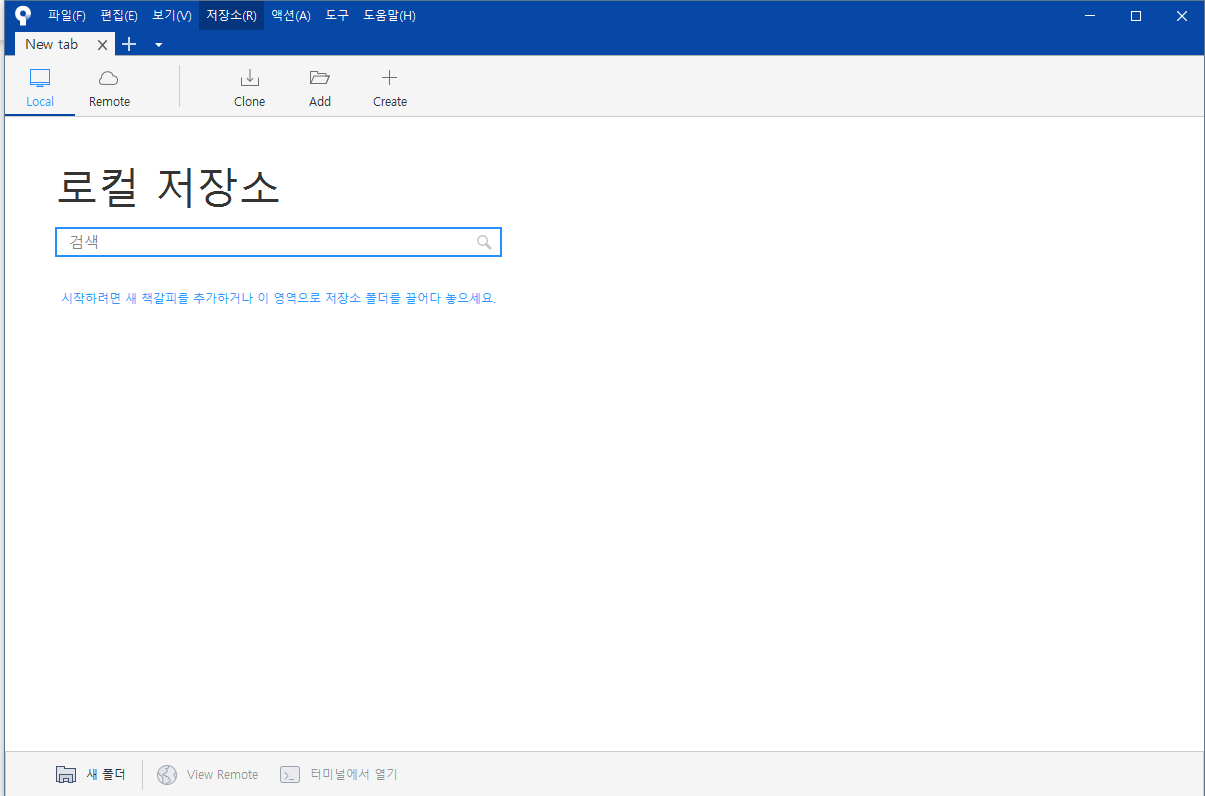
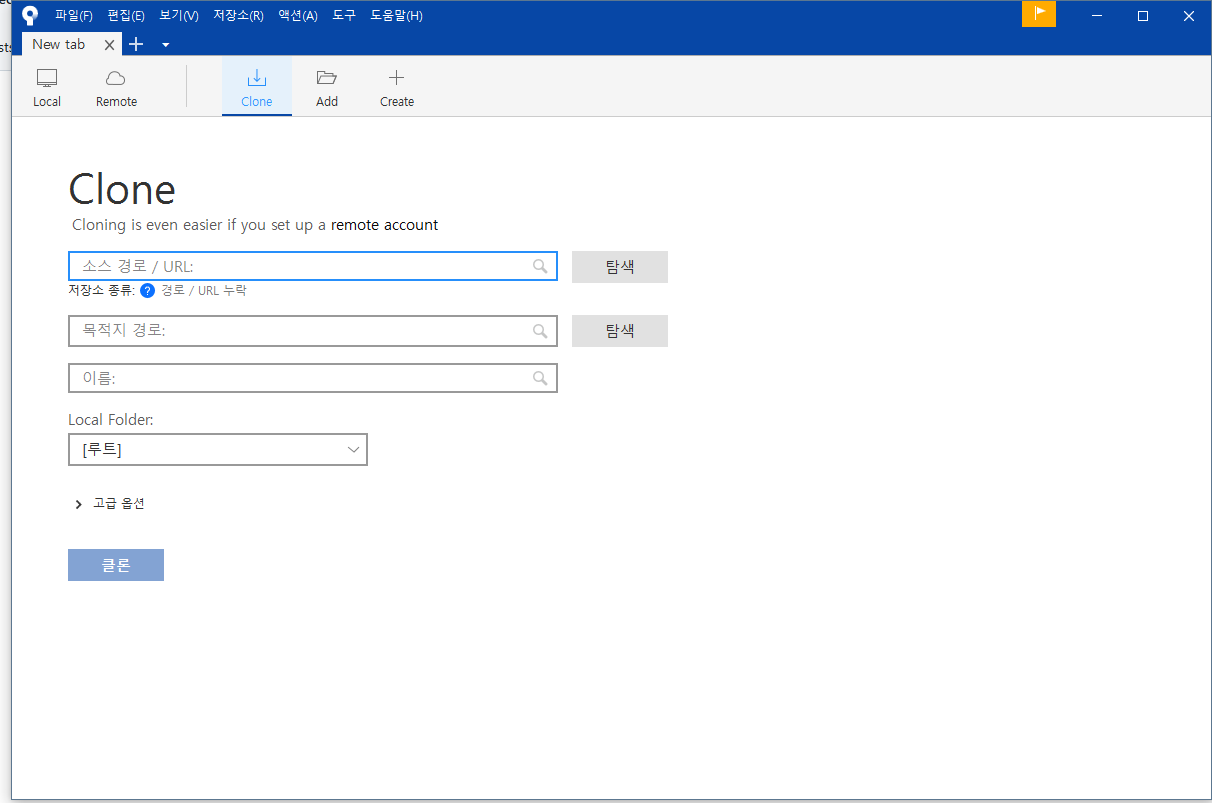
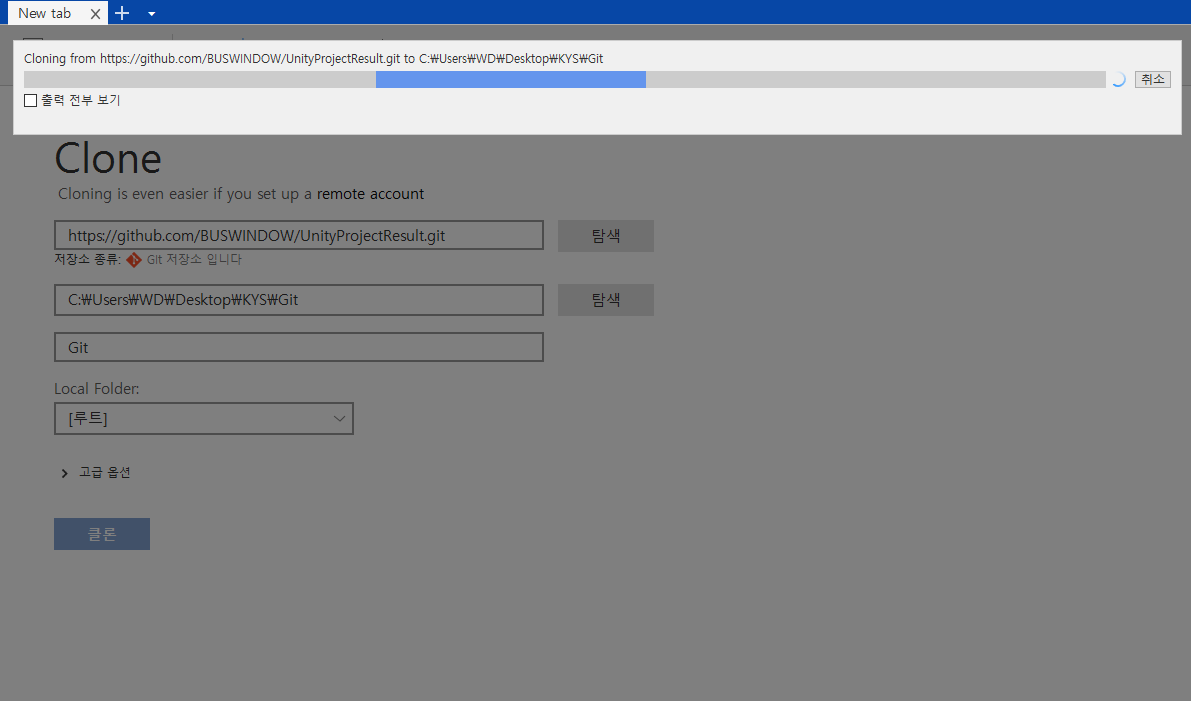

이름을 바꿔버렸음
안바꾸는게 더 나음
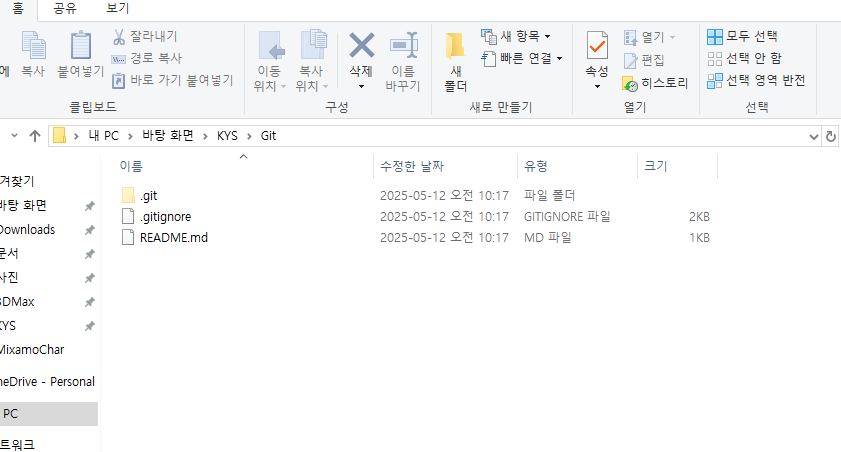
1.GitHub 가입
2.GitHub저장소 생성
3.GitHub저장소 클론
4.문서에 GitHub 저장소 이름이랑 같은 폴더 생성 < 이걸 이름을 바꿔버림
  호스트 : GitHub    로컬 : 내 컴퓨터 문서 - Git
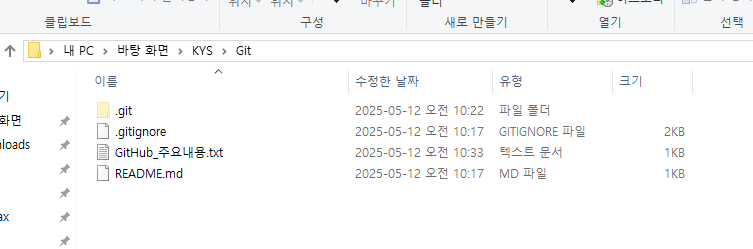
로컬에 메모장을 저장시킴
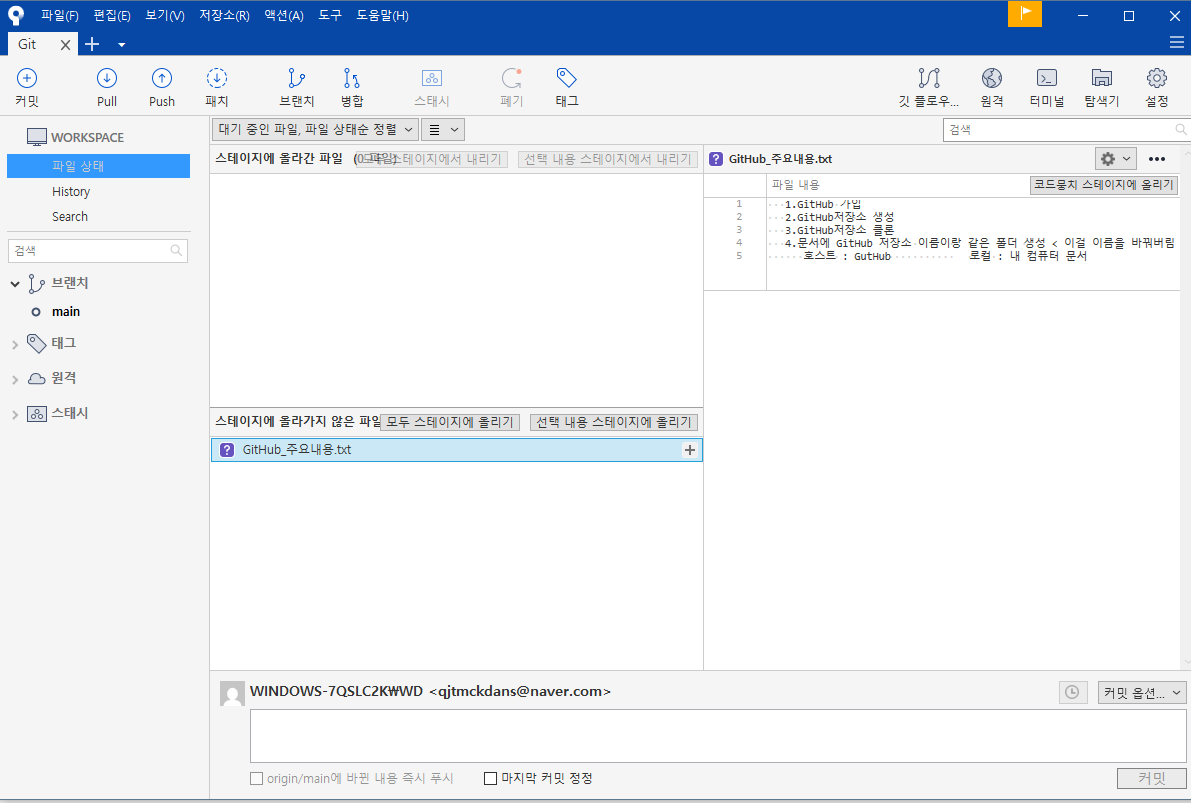
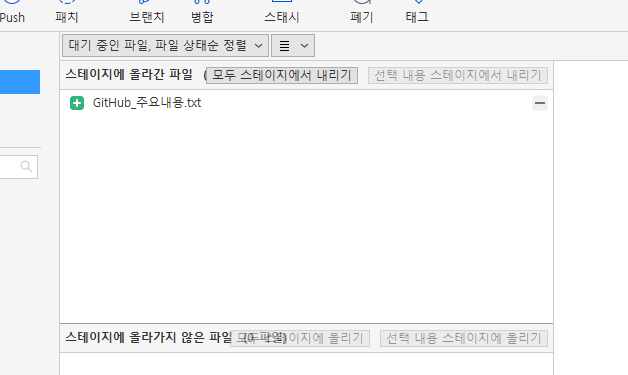
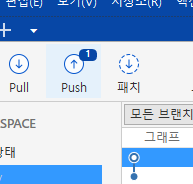
스테이지에 올리기
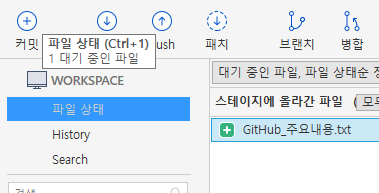

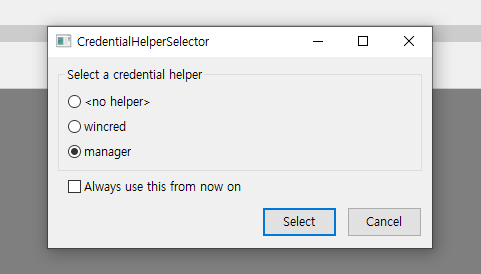
매니저 선택 후 뜨는 창에서 로그인
만약 로그인 하는거 스킵되고 그냥 저 창 한번 더 뜨면 select한번 더
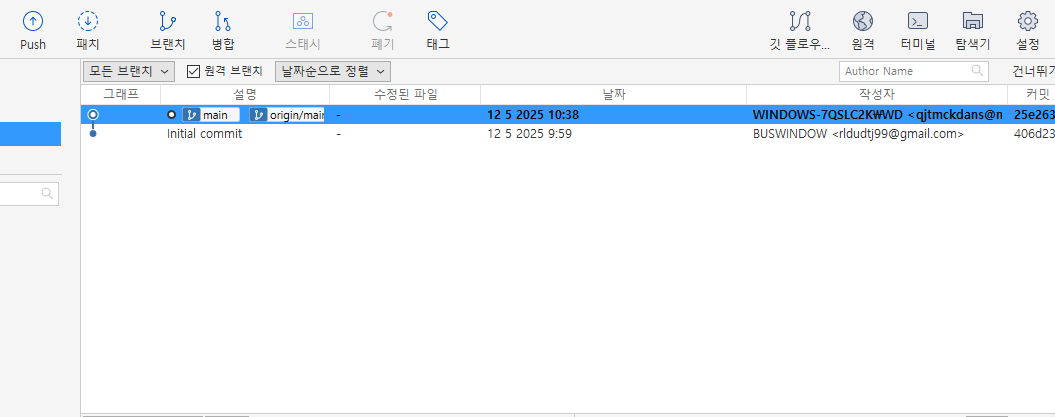
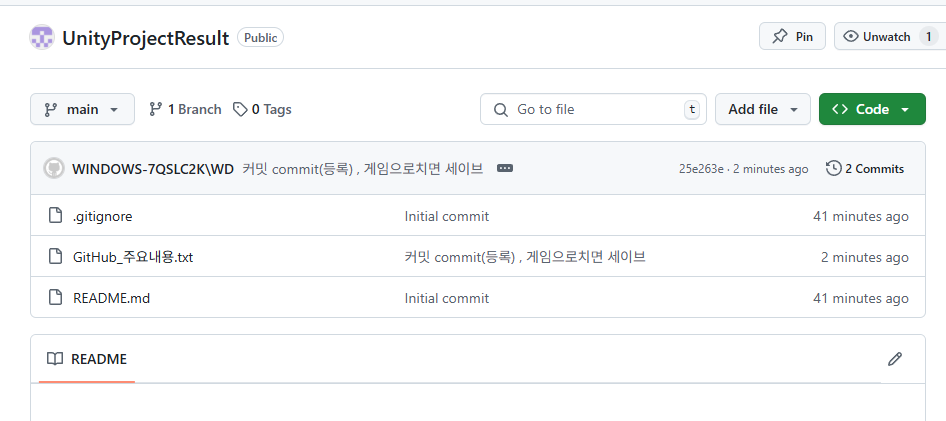
깃쪽에도 올라감
___________________________________________________
깃 저장소 지우기


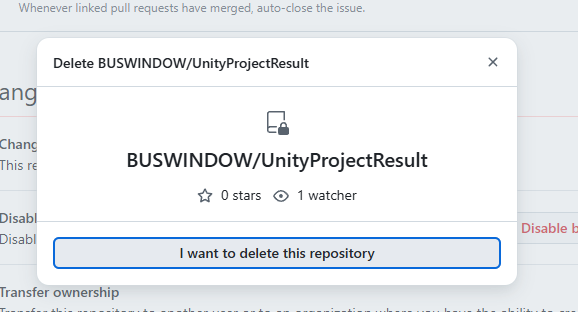
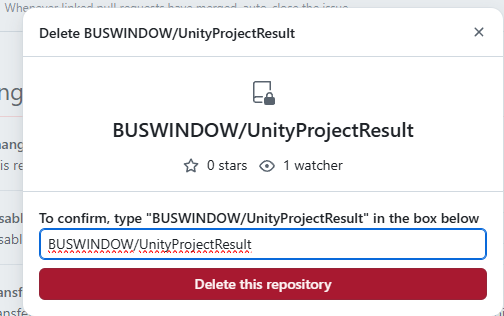
____________________________________________________________________
ReadOnly(읽기 전용)
const double PI - 3.14 : 컴파일러가 컴파일 할 때 상수가 된다.
readonly : 동적 할당이 될 때 상수가 된다.
즉 클래스가 구조체의 멤버로만 존재할 수 있다(static 붙이면 안됨)
생성자 안에서 한번 값을 지정하면 그 이후로 값을 변경할 수 없다.
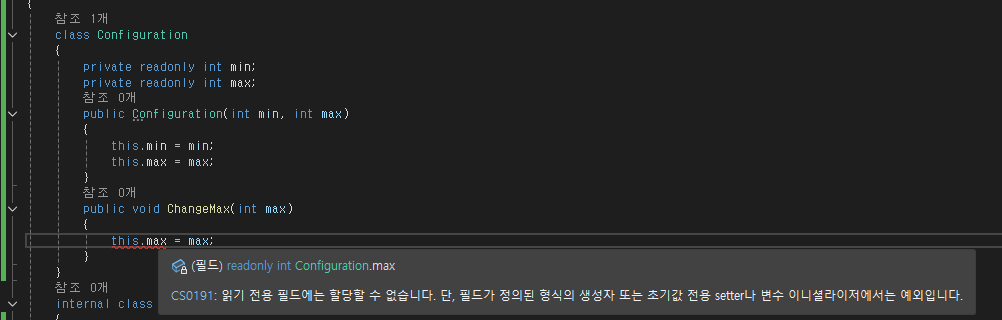
const : 기본 자료형에 사용
readonly : 인스턴스마다 각각 다른 값을 가질 수 있음
참조 형식에 사용 가능
________________________________________
중첩 클래스 : 클래스 안에 클래스가 있는 것
중첩 클래스를 쓰는 이유
1. 클래스를 외부에 공개 하고싶지 않을 때(은닉성)
2. 현재 클래스의 일부분 처럼 표현하는 클래스를 만들고자 할 때
다른 클래스의 private멤버에도 접근할 수 있는 중첩클래스는 은닉성을 무너뜨리기도 하지만
보다 유연한 표현력을 프로그레머에게 제공하는 장점이 있다.
class Configuration_2
{
    private List<ItemValue> listConfig = new List<ItemValue>();
    public void SetConfig(string item, string value)
    {
        ItemValue iv = new ItemValue();
        iv.SetValue(this, item, value);
    }
    public string GetConfig(string item)
    {
        foreach(ItemValue iv in listConfig)
        {
            if(iv.GetItem() == item)
            {
                return iv.GetValue();
            }
        }
        return "";
    }


    class ItemValue
    {
        private string item;
        private string value;

        public void SetValue(Configuration_2 config, string item, string value)
        {
            this.item = item;
            this.value = value;
            bool found = false;
            for(int i = 0; i < config.listConfig.Count; i++)
            {
                config.listConfig[i] = this;
                found = true;
                break;
            }
            if (!found)
            {
                config.listConfig.Add(this);
            }
        }
        public string GetItem()
        {
            return item;
        }
        public string GetValue()
        {
            return value;
        }
    }
}
______________________________________________________________________
partial(분할 클래스)
클래스의 구현이 길어질 경우 여러 파일로 나누어 구현 할 수 있다.
partial class MyClass
{
    public void M1()
    {

    }
}
partial class MyClass
{
    public void M2()
    {

    }
}
__________________________________________
확장 메서드 : 부모 클래스를 물려받아 자식클래스를 만든 뒤 여기에 메소드나 필드를
추가하는것이 아니라, ""기존의 클래스에 메소드를 추가하는 방법""
public static class InterExtension
{
    public static int Square(this int myInt)
    {
        return myInt * myInt;
    }
    public static int Power(this int myInt, int exponent)
    {
        int result = myInt;
        for (int i = 1;i < exponent; i++)
        {
            result *= myInt;
        }
        return result;
    }
}


public static void A3()
{
    Console.WriteLine($"3^2 : {3.Square()}");
    Console.WriteLine($"2^10 : {2.Power(10)}");
}


result
3^2 : 9
2^10 : 1024
static다 해놓고, int쪽에다가 . 찍으면 만든게 나옴
____________________________________________________________
struct (구조체)
class와 struct
둘다 관련된 데이터를 모아놓은것
class : 참조 형식(heap) - 값을 들고있진 않음 -> 그대로 할당하면 얕은 복사
struct : 값 형식(stack) - 값을 그대로 들고있음 -> 그대로 할당해도 깊은 복사
struct Point3D
{
    public int x;
    public int y;
    public int z;
    public Point3D(int x, int y, int z)
    {
        this.x = x;
        this.y = y;
        this.z = z;
    }
    public override string ToString() // 다형성
    {
        return string.Format($"{x},{y},{z}");
    }


}


public static void A4()
{
    Point3D p = new Point3D(3,4,5);
    Console.WriteLine(p.ToString());
    Point3D p2 = new Point3D(); // 자체적으로 값을 안넣어도 알아서 초기화 되도록 설정 되어있음
    p2.x = 1;
    p2.y = 2;
    p2.z = 3;
    Console.WriteLine(p2.ToString());
    Point3D p3 = p2;
    p3.x = 3;
    Console.WriteLine("p2 = " + p2.ToString());
    Console.WriteLine("p3 = " + p3.ToString());
}


result
3,4,5
1,2,3
p2 = 1,2,3
p3 = 3,2,3 // 값이 할당되는 깊은 복사인걸 알 수 있음
readonly struct Point3D
{
    public readonly int x;
    public readonly int y;
    public readonly int z;
    public Point3D(int x, int y, int z)
    {
        this.x = x;
        this.y = y;
        this.z = z;
    }
    public override string ToString() // 다형성
    {
        return string.Format($"{x},{y},{z}");
    }
    public void Print()
    {
        Console.WriteLine($"{x},{y},{z}");
    }


}
//readonly를 넣고 쓰기도함
에러남
_______________________________________________________________________
if (!isGameOver)
{

    this.curScore += this.plusScore*Time.deltaTime;
}
this.scoreTxt.text = $"<color=#ffffff>{Mathf.FloorToInt(this.curScore)} </color>";
// Mathf.FloorToInt() float값 보다 작거나 같은 정수값을 반환한다(내림해서 반환)
// Mathf.CeilToInt() float값 보다 크거나 같은 정수값을 반환한다(올림해서 반환)
this.curScore += this.plusScore * Time.realtimeSinceStartup;
this.scoreTxt.text = $"<color=#ffffff>{Mathf.FloorToInt(this.curScore)} </color>"; // Mathf.FloorToInt() float값 보다 작거나 같은 정수값을 반환한다
//Time.realtimeSinceStartup : 게임이 시작한 이후의 시간을 초단위로 반환
//게임 자체의 시간을 timescale등으로 건드려도, 실제의 시간대로 흐름
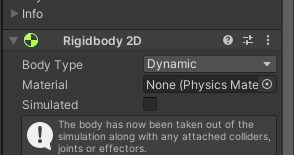
dynamic이여도 simulated를 체크해제하면 중력을 받지 않음
private void OnTriggerEnter2D(Collider2D collision)
{
    if(collision.tag == Asteroid)
    {
        this.onHitAction();
        Destroy(collision.gameObject);
        Destroy(this.gameObject);
    }
}


public void Shoot()
{
    var bullet = Instantiate(this.bulletPrefab,this.firePosition.position,Quaternion.identity);
    bullet.onHitAction += () =>
    {
        this.ShotAction();
    };
    Destroy(bullet.gameObject, 1f);
}


Player.ShotAction += () =>
{
    this.curScore += 10000;

};
this.PosCamera = Camera.main.transform.position;
this.GameOverImage = this.GameOverObj.GetComponent<Image>();
this.shootBtn.onClick.AddListener(() =>
{
    this.Player.Shoot();
});


액션으로 쭉 옮겨서 gameManager에 private으로 되어있는 score까지 건드릴수 있도록
___________________________________________________________
private readonly string horizontal = "Horizontal";
private readonly string vertical = "Vertical";
private readonly string fire1 = "Fire1";
private readonly string mouseX = "Mouse X";

//애니메이션 파라미터용 string
private readonly string speedX = "SpeedX";
private readonly string speedY = "SpeedY";

private readonly string Jump = "Jump";
private readonly string movingJump = "MovingJump";
private readonly string Run = "Run";
string우선 선언해둔것도 전부 readonly가 들어가야함
원래 public이던거 전부 다 private readonly로
_______________________________________________________________________
if (this.animator.GetCurrentAnimatorStateInfo(0).IsName(attackAni))
    return;
GetCurrentAnimatorStateInfo(0) : 현재 레이어의 애니메이션 정보
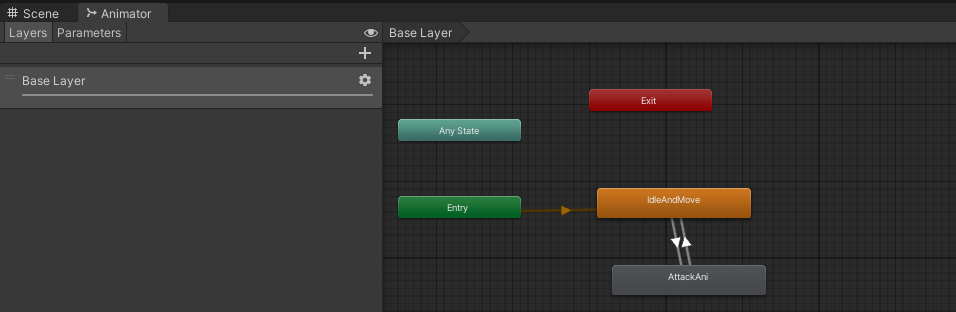
애니메이터창을 보면 Layer라고 잡혀있는데 맨 위에거가 0
Layer를 여러개 만들면(예를들어 얼굴 애니메이션을 따로 만든다던지) 다른 숫자로 잡을 수도 있다
.IsName(~~~)
선택된 레이어에서 실행중인 애니메이션 이름이 ~~~ 인지 확인하는 Bool형 함수
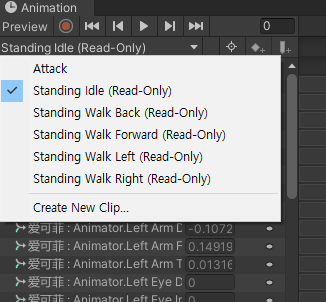
캐릭터를 누르고 animation을 누르면 다 ReadOnly처리가 되어있음
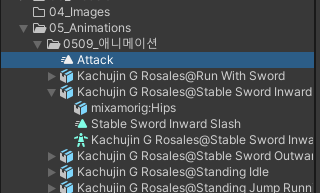
애니메이션 클립을 복붙하고 확인하면 위에 attack처럼 readonly가 풀림
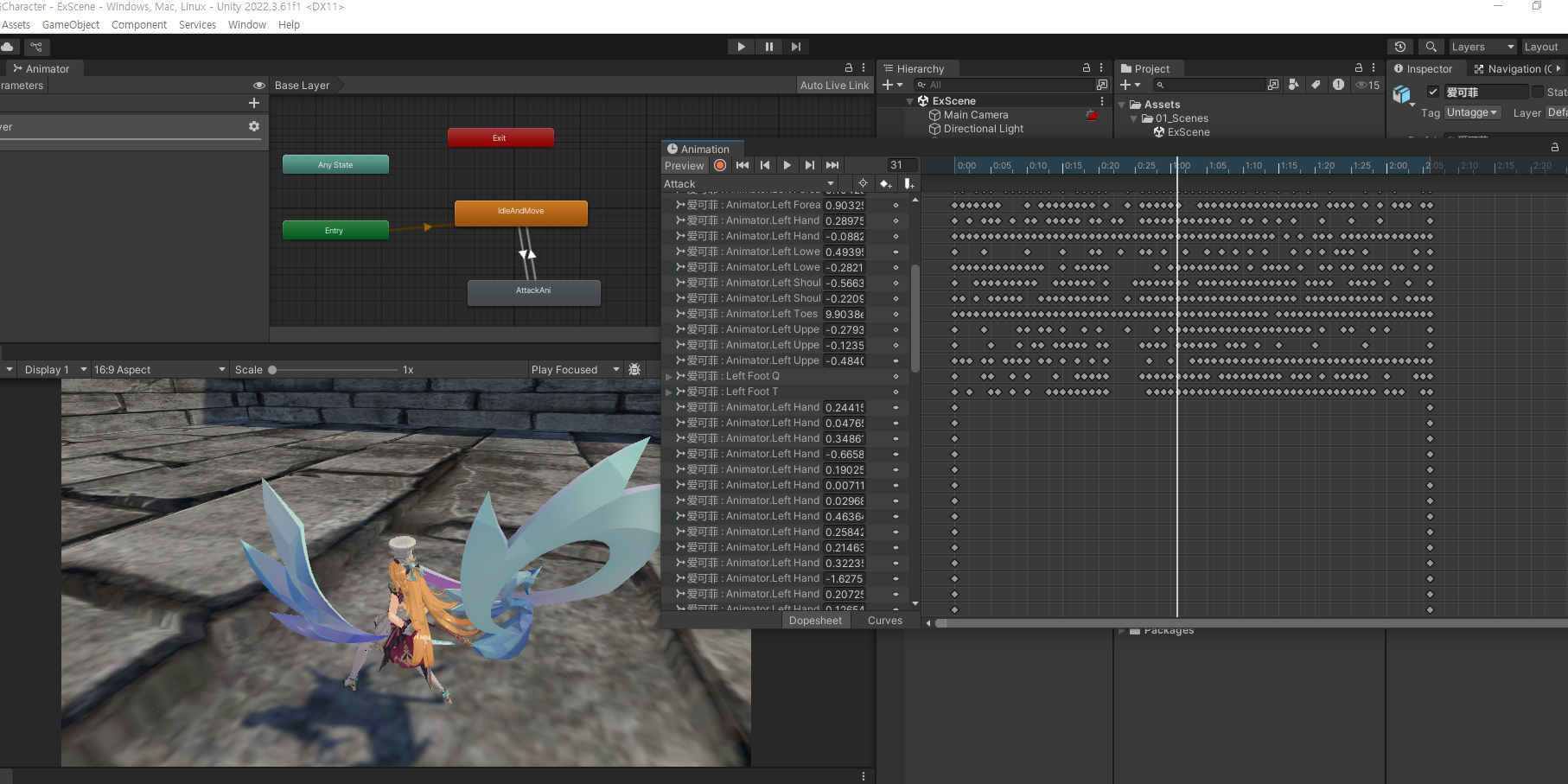
실행시키고
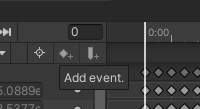
add event 클릭
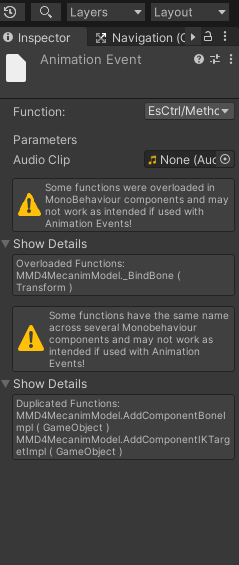
생성된 이벤트 눌러서 함수 할당
public void PlaySound(AudioClip clip)
{
    this.source.PlayOneShot(clip);
}
소리 실행할 함수 생성 후 할당
'2025유니티수업' 카테고리의 다른 글
| 0514 GitHub 데스크톱 , 유니티 FPS (0) | 2025.05.14 |
|---|---|
| 0513 유니티 1인칭, 콜라이더 뚫림 현상 관련, 코루틴, tuple(튜플) (2) | 2025.05.13 |
| 0509 유니티 애니메이션 (0) | 2025.05.09 |
| 0508 휴머노이드 애니메이션(애니메이션 정상 작동 시키기 포함) , C# 클래스 상속 (0) | 2025.05.08 |
| 0507 마우스 클릭해서 이동하기_2(더블클릭 구현), 메카님 방식 애니메이터, C# (0) | 2025.05.07 |