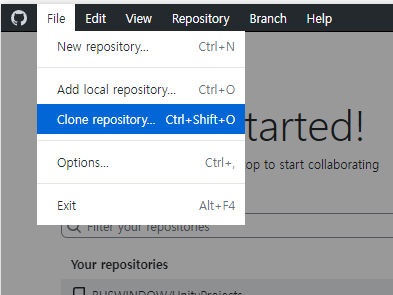
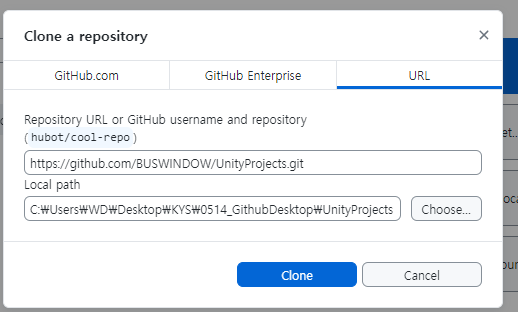
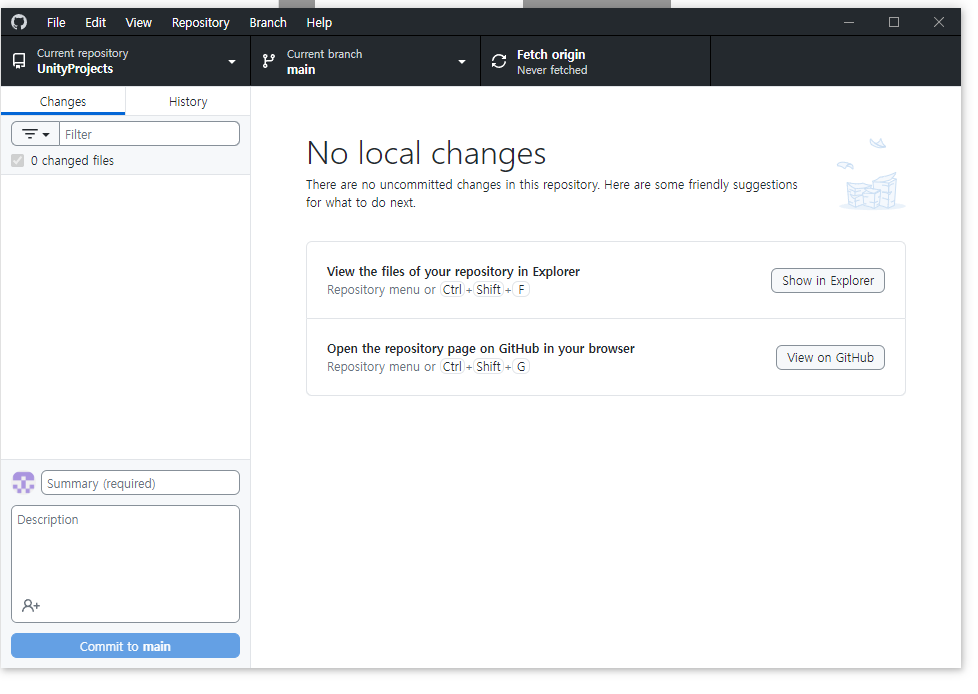
경로에 파일 복붙
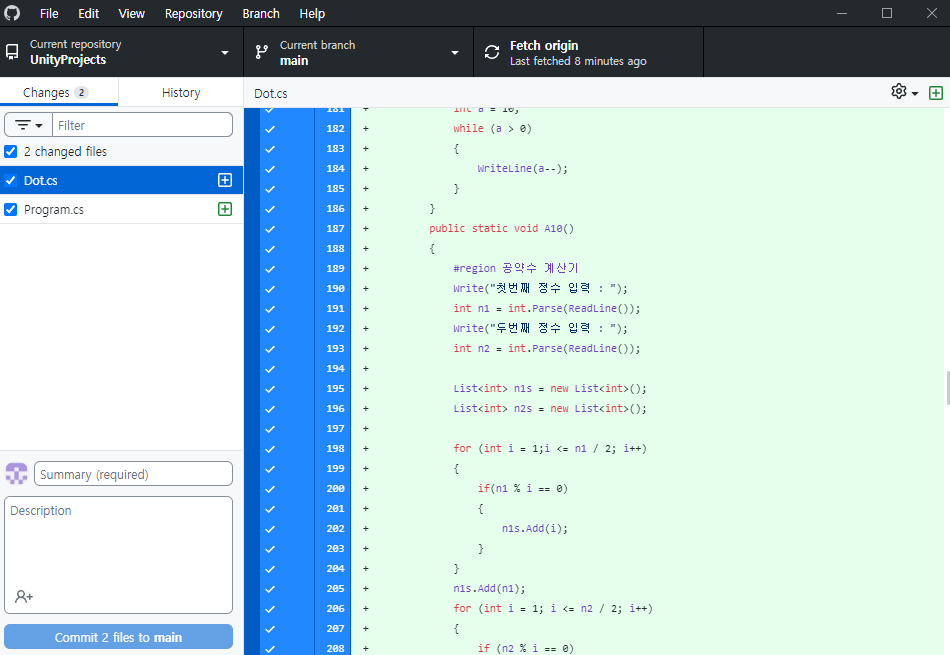
Commit하기
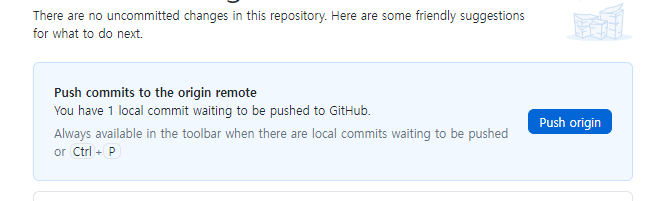
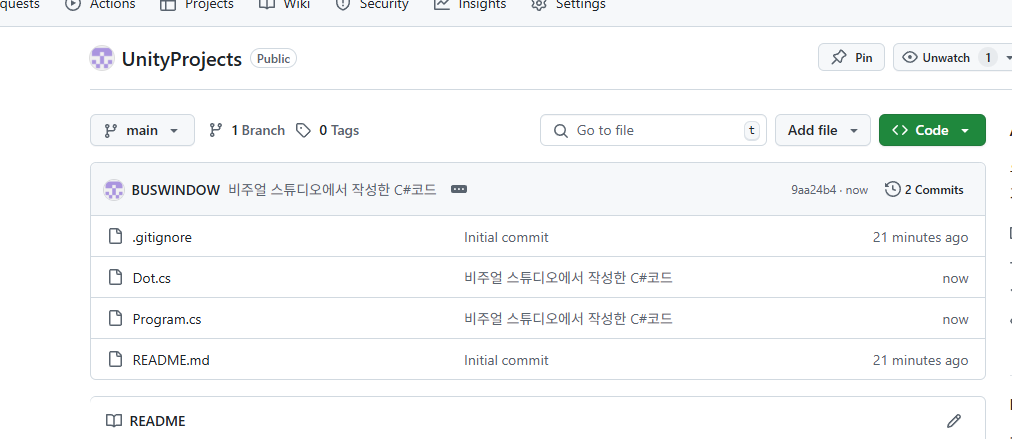
생겨남
______________________________________________________________________
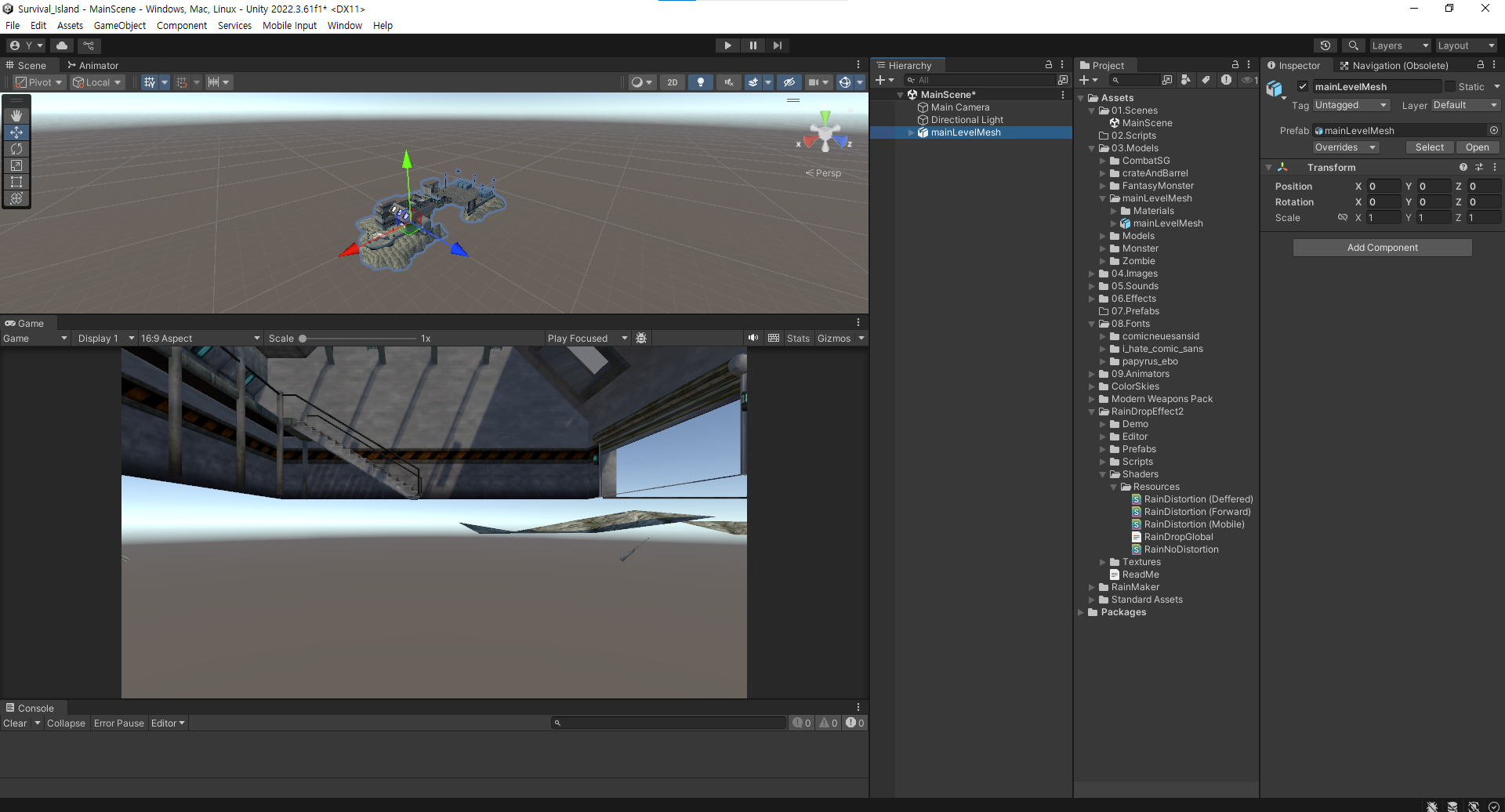
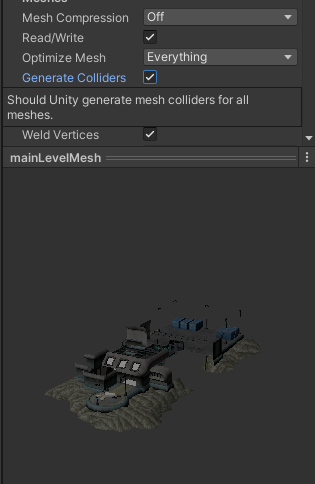
저걸 체크하면 콜라이더가 자동으로 들어감
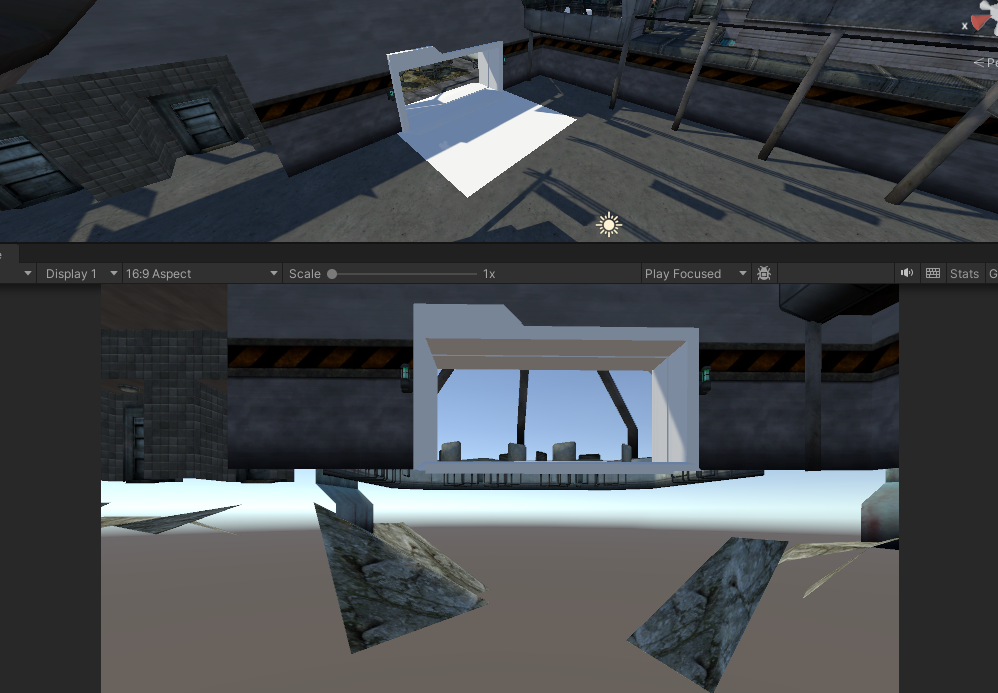
체크해제하니 떨어지는 모습
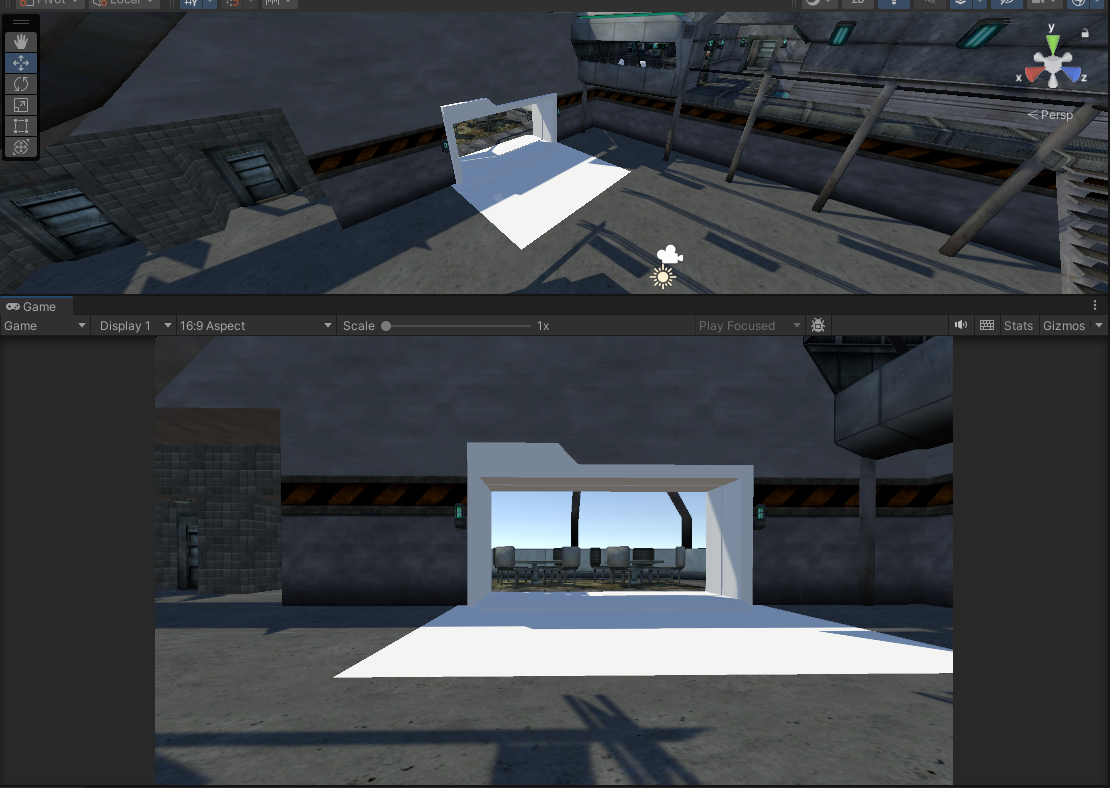
체크하니 안떨어지는 모습
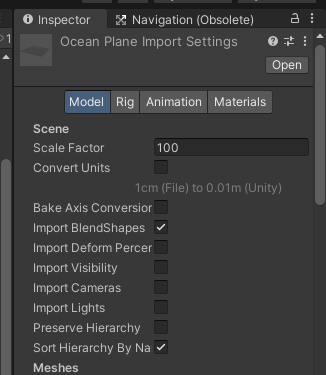
이제 모델이 있는걸 사이즈 조절하는건 Scale Factor를 건드려서 할거임
실제 Scale을 건드리는건 내부적으로 부하가 더 걸림
using System.Collections;
using System.Collections.Generic;
using UnityEngine;
//달리기 시작 : 총을 접음
//달리는 중 : 총을 접고있음
//달리기 끝 : 총을 다시 겨눔
public class PlayerHandAnimation : MonoBehaviour
{
    [SerializeField]
    private Animation animation;
    // Start is called before the first frame update
    void Start()
    {
        this.animation = this.transform.GetChild(0).GetChild(0).GetComponent<Animation>();
        //this.animation = GetComponentInChildren<Animation>();
    }

    // Update is called once per frame
    void Update()
    {
        if (Input.GetKeyDown(KeyCode.LeftShift) && Input.GetKeyDown(KeyCode.W))
        {
            this.animation.Play("runStart");
        }
        else if (Input.GetKey(KeyCode.LeftShift) && Input.GetKey(KeyCode.W))
        {
            this.animation.CrossFade("running",0.2f);
        }
        else if (Input.GetKeyUp(KeyCode.LeftShift) || Input.GetKeyUp(KeyCode.W))
        {
            this.animation.Play("runStop");
        }
    }
}
달릴때 총 넣는 애니메이션 스크립트
void Start()
    {
        this.animation = this.transform.GetChild(0).GetChild(0).GetComponent<Animation>();
        this.animation = GetComponentInChildren<Animation>();
        this.animation = GetComponentsInChildren<Animation>()[0];
    }


    여러 방법으로 찾아낼 수 있는데 가장 위에거가 가독성이 제일 명확함
using System.Collections;
using System.Collections.Generic;
using UnityEngine;
//플레이어가 범위에 감지되면 불을 키고
//범위에서 빠져나가면 불을 끔

public class LightCtrl : MonoBehaviour
{
    private Light _light;
    private const string player = "Player";
    private AudioSource source;
    [SerializeField]
    private AudioClip clip;

    void Start()
    {
        _light = GetComponentInChildren<Light>();
        this._light.enabled = false;
        this.source = GetComponent<AudioSource>();
    }

    private void OnTriggerEnter(Collider other)
    {
        if(other.tag == player)
        {
            StopAllCoroutines();
            this._light.enabled = true;
            this.source.PlayOneShot(this.clip);
        }
    }
    private void OnTriggerExit(Collider other)
    {
        if (other.tag == player)
        {
            StartCoroutine(this.LightOffRoutine());
        }
    }
    IEnumerator LightOffRoutine()
    {
        yield return new WaitForSeconds(3);
        this._light.enabled = false;
        this.source.PlayOneShot(this.clip);
    }
}
StopAllCoroutines()
지금 진행중인 코루틴 전부 종료
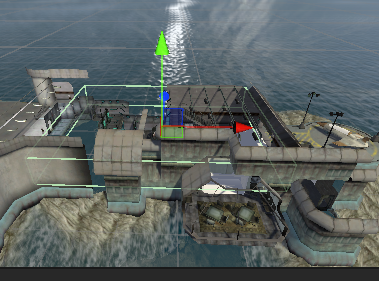
비가 안올 지역에 미리 트리거로 콜라이더 생성
using System.Collections;
using System.Collections.Generic;
using DigitalRuby.RainMaker;
using UnityEngine;

public class RainStopCtrl : MonoBehaviour
{
    private const string player = "Player";
    public RainScript rain;
    void Start()
    {

    }


    private void OnTriggerEnter(Collider other)
    {
        if (other.tag == player)
        {
            this.rain.RainIntensity = 0;
        }
    }
    private void OnTriggerExit(Collider other)
    {
        if (other.tag == player)
        {
            this.rain.RainIntensity = 1;
        }
    }
}
RainIntensity = 카메라에 비내리는 연출을 해주는 에셋 내부 수치
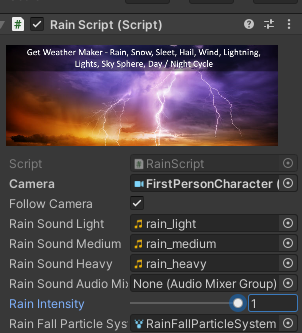
닿으면 0
빠져나오면 1
적 생성
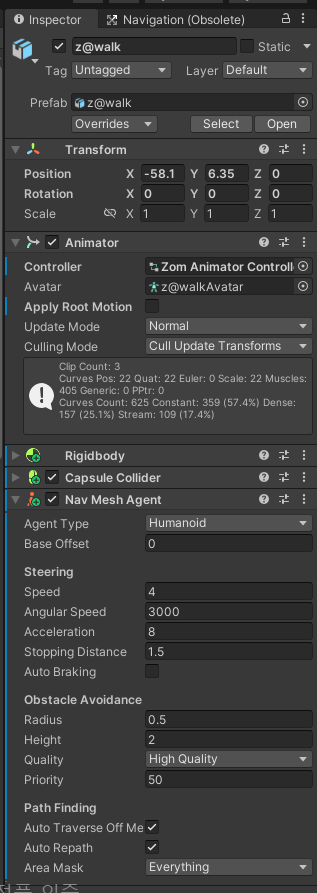
좀비한태 navMesh를 포함한 컴포넌트 붙이고 스크립트 생성
using System;
using System.Collections;
using System.Collections.Generic;
using UnityEngine;
using UnityEngine.AI;
//플레이어가 추적범위 안에 들어오면 추적
//공격범위 안에 들어오면 공격
[RequireComponent(typeof(NavMeshAgent))]
public class ZombieCtrl : MonoBehaviour
{
    [SerializeField]
    private Animator animator;
    private NavMeshAgent agent;
    public float traceDist;
    public float AttackDist;
    public Func<GameObject> PlayerSearchFunc;
    private const string isTrace = "isTrace";
    private const string isAttack = "isAttack";


    private readonly int hashAttack = Animator.StringToHash("isAttack");
    private readonly int hashTrace = Animator.StringToHash("isTrace");


    void Start()
    {
        this.animator = GetComponent<Animator>();
        this.agent = GetComponent<NavMeshAgent>();
        traceDist = 20f;
        AttackDist = 3f;
    }
    void Update()
    {
        if (Vector3.Distance(this.transform.position, this.PlayerSearchFunc().transform.position) < this.traceDist)
        {
            this.animator.SetBool(hashTrace, true);
            this.agent.SetDestination(this.PlayerSearchFunc().transform.position);
        }
        else
        {
            this.animator.SetBool(hashTrace, false);
            this.agent.ResetPath();
        }

        if (Vector3.Distance(this.transform.position, this.PlayerSearchFunc().transform.position) < this.AttackDist)
        {
            this.agent.ResetPath();
            this.animator.SetBool(hashAttack, true);
        }
        else
        {
            this.agent.SetDestination(this.PlayerSearchFunc().transform.position);
            this.animator.SetBool(hashAttack, false);
        }

    }
}
private const string isTrace = "isTrace";
private const string isAttack = "isAttack";
private readonly int hashAttack = Animator.StringToHash("isAttack");
private readonly int hashTrace = Animator.StringToHash("isTrace");
hash
-> string이여도 컴퓨터는 숫자로 그 값을 갖고있음
그 값에 대한 숫자
숫자로 이용해도 string을 쓴것처럼 할 수 있는데 부하는 훨씬 덜걸림
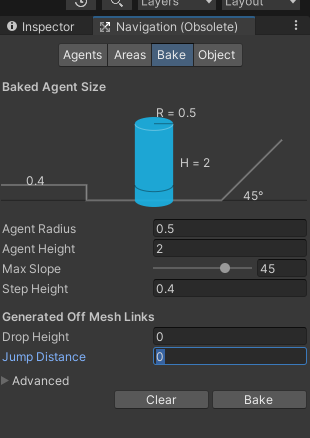
drop height : 이정도 높이는 떨어질수 있다
Jump distance : 떨어질때 얼마나 멀리 가는가

'2025유니티수업' 카테고리의 다른 글
| 0519 플로우 작성 / 세부 설정 (0) | 2025.05.19 |
|---|---|
| 0515 기획 (0) | 2025.05.15 |
| 0513 유니티 1인칭, 콜라이더 뚫림 현상 관련, 코루틴, tuple(튜플) (2) | 2025.05.13 |
| 0512 깃허브, C#, 2D게임 점수UI 구현, 애니메이션 현재 상태 받기, 애니메이션 중 소리 재생 (0) | 2025.05.12 |
| 0509 유니티 애니메이션 (0) | 2025.05.09 |